The Ultimate WordPress Maintenance Checklist for Agencies in 2026
Datronix · July 2026 · 11 min read
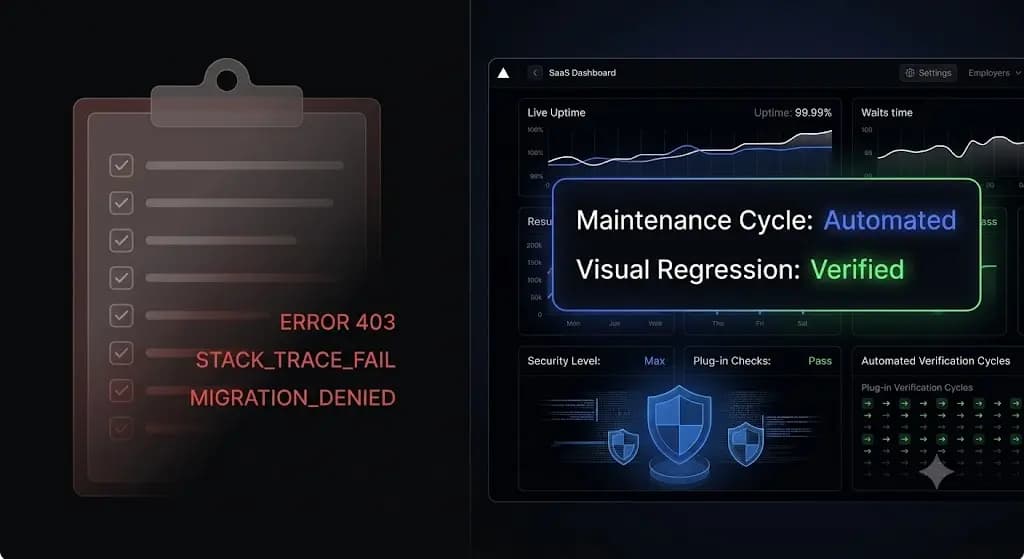
It is Monday morning. You manage 40 client websites on monthly retainers. You log into your command center and see 184 pending plugin updates across your portfolio.
You hesitate. You know that blindly clicking “Update All” is a massive liability. A single conflicting Javascript file from a minor plugin update can shatter a WooCommerce checkout layout, costing your client thousands of dollars in lost revenue before you even notice.
But you also know that manually verifying 40 staging environments will consume your entire team’s Monday, destroying your agency’s profit margins.
If you sell WordPress maintenance retainers, you cannot rely on guesswork. You need a strict, repeatable framework to secure client sites, optimize database performance, and execute safe code updates. According to Sucuri’s Website Threat Research Report, over 50% of compromised WordPress sites were severely outdated at the time of infection. You must maintain the sites, but you must do it efficiently.
This guide provides the definitive wordpress maintenance checklist for 2026, breaking down the exact technical tasks required to keep production sites stable, and showing how top-tier agencies automate this workflow to protect their margins.
Quick Answer: What is a WordPress maintenance checklist?
A wordpress maintenance checklist is a systematic framework used by web agencies to ensure a website remains secure, fast, and fully functional. The core checklist must include verifying automated off-site backups, executing safe core and plugin updates, scanning for CVE security vulnerabilities, optimizing the MySQL database, monitoring 24/7 uptime, and generating monthly performance reports for clients.
The Core Agency Dilemma: Thoroughness vs. Profitability
Before executing specific tasks, agencies must solve the operational bottleneck of maintenance.
Clients pay you for peace of mind. They expect their website to function flawlessly 100% of the time. However, a comprehensive maintenance routine requires dozens of micro-tasks per site. If you charge $150 a month for a maintenance retainer, but spend two billable hours manually testing staging updates, running security scans, and compiling reports, your agency is losing money on that contract.
To scale profitably, agencies must transition from manual checklists to automated operations. You must implement tools that execute the checklist autonomously, requiring human intervention only when a critical failure occurs.
Phase 1: Security and Disaster Recovery (Daily)
The foundation of any website maintenance checklist for wordpress is data protection. If a site is breached or a server crashes, you must have the infrastructure to restore it instantly.
1. Verify Off-Site Cloud Backups
Never rely solely on the host’s server-level backups. If the server is compromised, the local backups are often corrupted or encrypted by ransomware.
- The Task: Ensure an automated system pushes a full backup (MySQL database and
wp-contentfiles) to an independent third-party cloud storage provider (Amazon S3, Google Cloud, Dropbox) every 24 hours. - The Verification: A backup you cannot restore is useless. Once a quarter, you must execute a dry-run restoration on a staging server to verify data integrity.
2. Implement 5-Minute Uptime Monitoring
An HTTP 200 “OK” status code only means the server responded. It does not verify functionality.
- The Task: Configure monitoring tools to ping the site every 5 minutes.
- The Nuance: For e-commerce clients, configure transaction monitoring. The system should look for specific keywords on the page (e.g., “Add to Cart”) to ensure the frontend DOM has not crashed despite the server remaining online.
3. Active Threat and File Integrity Scanning
Malware rarely announces itself immediately. Hackers often inject obfuscated PHP backdoors into deep plugin folders and wait weeks before executing a payload.
- The Task: Run daily scans checking core WordPress files against the official WordPress.org checksums. Any modification to a core file indicates an immediate breach.
- The Task: Scan the database for known malware signatures and spam link injections.
Phase 2: The Safe Update Protocol (Weekly)
This is where legacy agencies burn their billable hours. According to WPScan vulnerability database reports, over 90% of WordPress security vulnerabilities originate from third-party plugins. You cannot ignore updates.
4. Execute Core, Theme, and Plugin Updates Safely
You should never update plugins blindly on a live production site. A deprecated PHP function or a CSS class change can cause a fatal layout shift.
- The Manual Method: Clone the production site to a staging environment. Update the plugins one by one. Clear the server cache. Manually click through the homepage, contact forms, and checkout flows to verify visual alignment. If stable, push the changes to production.
- The Automated Method (Visual Regression): Modern platforms use AI to handle this. The system takes a headless browser screenshot of the live site, updates the plugins, clears the cache, and takes a second screenshot. If the AI detects a shifted button or broken CSS, it triggers an instant auto-rollback.
5. Cross-Reference CVE Vulnerability Databases
Not all updates are routine bug fixes; some are critical security patches.
- The Task: Before running updates, check your active plugin list against the CVE (Common Vulnerabilities and Exposures) database. If a zero-day vulnerability is active on a client site, you must prioritize that update or temporarily disable the plugin until a patch is released by the developer.
Phase 3: Database Optimization and Performance (Monthly)
WordPress is a dynamic CMS driven by a MySQL or MariaDB database. Over time, this database accumulates severe bloat, which directly impacts your Server Response Time (TTFB) and Core Web Vitals.
6. Clean the wp_options Table
The wp_options table is notorious for slowing down websites. Plugins often leave behind auto-loaded data even after you delete them.
- The Task: Identify and delete orphaned plugin data. Ensure that the total size of your auto-loaded data remains strictly under 1 MB. High auto-load queries force the server to load megabytes of useless text on every single page load.
7. Clear Expired Transients and Post Revisions
Transients are temporary cached data stored in the database. When they expire, WordPress does not always delete them automatically.
- The Task: Run a database query to purge expired transients, clear the spam comment queue, and limit post revisions (retain only the last 3-5 revisions per post to prevent massive database table expansion).
8. Verify Caching and CDN Edge Delivery
A perfectly optimized site will still load slowly if the caching layer fails.
- The Task: Verify that your page caching plugin (e.g., WP Rocket, LiteSpeed Cache) is successfully preloading pages. Check the cache headers to ensure HTML is being served from memory, not generated dynamically.
- The Task: Confirm your Content Delivery Network (CDN) is actively proxying traffic and serving static assets (images, CSS, JS) from edge servers close to the user.
Phase 4: Administrative Housekeeping and Reporting (Monthly)
The final phase of a wordpress maintenance plan for agencies is client communication. You must prove the value of your retainer.
9. Audit Admin Users and Passwords
Clients often create temporary admin accounts for third-party developers or marketing contractors and forget to delete them.
- The Task: Review the user list. Demote or delete any undocumented administrator accounts. Ensure all remaining admins have complex passwords and Two-Factor Authentication (2FA) enforced.
10. Generate and Send Client Reports
If your client never hears from you, they will eventually wonder why they are paying you every month.
- The Task: Compile a white-labeled PDF report detailing the exact tasks completed. Include the number of plugins updated, security threats blocked, uptime percentage, and performance metrics. Frame the data to highlight the disasters you prevented.
Manual Checklist vs. Automated Agency Operations
To scale a maintenance portfolio, you must evaluate how your team executes this checklist. Relying on basic pinging tools and manual labor places a hard ceiling on your revenue.
| Checklist Task | Legacy Manual Execution | Basic Management Tools (ManageWP) | Modern AI Automation (SiteOps) |
|---|---|---|---|
| Plugin Updates | Manual Staging Tests (Hours) | Blind Bulk Updates (High Risk) | Visual Regression + Auto-Rollback |
| Security Scanning | Checking Blacklists | Basic Malware Check | 4-Level Deep Scan (incl. CVE tracking) |
| Uptime Monitoring | Third-party ping tool | HTTP 200 Status Check | 5-Minute Checks + 1-Click Admin Access |
| Client Reporting | Manual Data Entry | Templated PDF Output | AI-Generated Health Summaries |
Automating the WordPress Maintenance Checklist with SiteOps
Running through a 10-point checklist manually for 50 clients requires hiring a dedicated full-time employee just for maintenance. That destroys your agency profit margins.
The WordPress ecosystem has evolved past the era of blind bulk updates and manual database cleaning. To protect your retainers and guarantee production site stability, you must automate the workflow entirely.
SiteOps was engineered specifically to execute this complete maintenance checklist autonomously. It operates as an AI-powered QA tester for your agency.
When you connect a client site, SiteOps handles the operational heavy lifting. It executes your updates using pixel-perfect visual regression testing. If a plugin update breaks a layout, the system detects the visual variance and automatically rolls back the database and files to their pre-update state within seconds.
Furthermore, it integrates 4-level deep security scanning (checking core files, active malware, config hardening, and CVE databases), monitors uptime every 5 minutes natively, and generates intelligent AI monthly client reports to justify your value.
Stop letting manual maintenance tasks bottleneck your agency growth. You can scale your recurring revenue infinitely when your software handles the verification work for you.
Automate your entire checklist with the SiteOps Agency Plan featuring unlimited sites for a flat monthly rate, ensuring your software overhead never increases as you acquire new clients.
Frequently Asked Questions
What should a WordPress maintenance checklist include? A comprehensive checklist must include automated daily backups, safe plugin and core updates, deep security scanning for malware and CVE vulnerabilities, database optimization, 24/7 uptime monitoring, and client reporting to justify the retainer value.
How often should WordPress maintenance be performed? Maintenance frequencies vary by task. Uptime monitoring and security scanning should be constant (daily or real-time). Plugin updates and visual testing should occur weekly. Database optimization and client reporting should be completed monthly.
Why is an HTTP 200 check not enough for WordPress monitoring? An HTTP 200 status only means the server responded successfully to a request. A WordPress site could have a completely shattered CSS layout, a missing checkout button, or a white screen caused by a PHP error, and still return a 200 OK status to a basic ping bot.
What is the safest way to update WordPress plugins? The safest way is to avoid blind updates. You must either manually push updates to a staging environment to visually test them, or use an automated maintenance platform like SiteOps that utilizes visual regression testing to detect layout breaks and auto-rollback failed updates instantly.
How do you optimize a WordPress database during maintenance? To optimize the database, you must clear expired transients, delete spam comments, limit post revisions, and clean up orphaned auto-loaded data inside the wp_options table. This drastically reduces the size of the database and improves server response times.
What are CVE vulnerabilities in WordPress? CVE stands for Common Vulnerabilities and Exposures. It is a public database of known security flaws. Over 90% of WordPress vulnerabilities come from third-party plugins. A good maintenance checklist includes cross-referencing active plugins against the CVE database to patch known exploits.
Do I need a maintenance plugin for WordPress? While you can piece together separate plugins for backups, security, and optimization, agencies prefer centralized SaaS dashboards. These external platforms allow you to manage updates, security, and uptime for dozens of client sites from a single secure interface.
What happens if a plugin update breaks my client’s site? If you update manually, you must quickly restore the site from your daily backup or access the server via FTP to deactivate the faulty plugin. If you use a modern automation platform, the system detects the visual break and automatically restores the site to its pre-update state in seconds.
How do I price a WordPress maintenance plan for clients? Agencies typically price maintenance based on the complexity and revenue of the site. A basic blog might cost $99/month, while a complex WooCommerce store requiring daily visual regression testing and transaction monitoring can range from $250 to $1,000+ per month.
How does SiteOps improve WordPress maintenance? SiteOps removes the human error and manual labor from the checklist. It automates safe updates using AI visual regression testing and auto-rollbacks, combines deep security scanning with 5-minute uptime monitoring, and generates white-labeled AI reports, allowing agencies to scale profitably.
The Bottom Line
A broken client website is a massive liability. But a broken website caused by an update you pushed manually is a failure of agency operations.
In 2026, relying on a static text document or a legacy bulk-update tool to manage your wordpress site maintenance tasks is a risk modern agencies cannot afford to take. You must verify the visual integrity of every update, proactively scan for CVE threats, and maintain strict database hygiene.
By implementing automated visual regression testing and a consolidated operational dashboard, you protect your clients’ revenue, secure your agency’s reputation, and preserve your profit margins.
Before you trust your WordPress site, scan it. Our free health check reveals uptime, security, performance, and hidden risks in seconds.
Check Your Site Free.
Related Posts
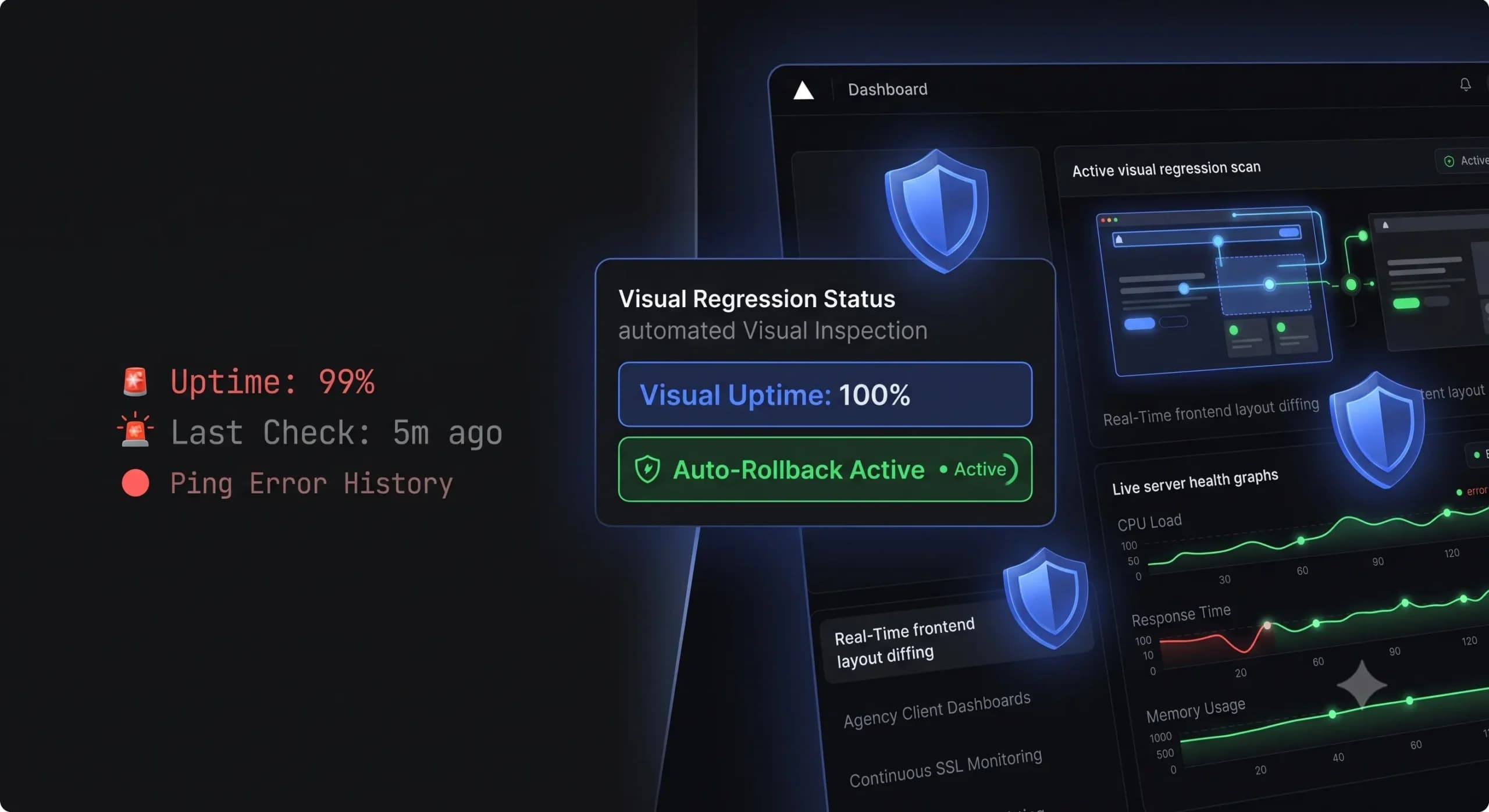
Best WordPress Monitoring Tools in 2026 | Top 7 Compared
You shouldn’t find out a client’s website is down because they sent you an angry email. If you manage a portfolio of WordPress sites, your reputation relies entirely on catching errors before the end user experiences them. In the past, achieving this meant setting up a simple pinging service to check if the server was […]
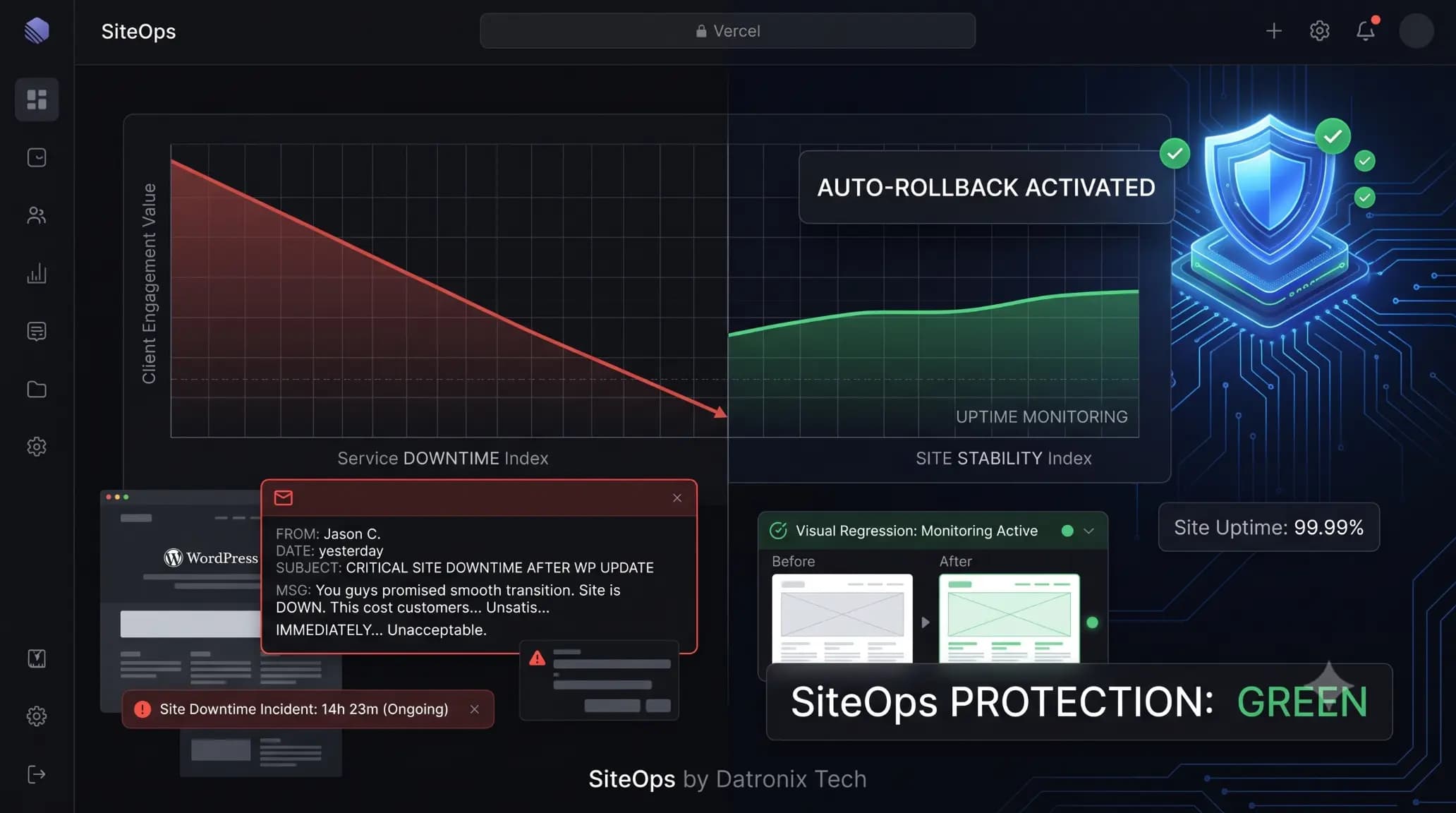
The Hidden Cost of Broken WordPress Updates (And How Agencies Prevent Them)
It happens on a Tuesday morning. You bulk-update plugins across 20 client sites, assuming everything is fine. Two hours later, a frantic email arrives from your highest-paying e-commerce client: “Nobody can check out. How long has this been broken?” The site isn’t technically down, but a minor WooCommerce plugin conflict shattered the CSS on the […]