The Hidden Cost of Broken WordPress Updates (And How Agencies Prevent Them)
Datronix · July 2026 · 10 min read
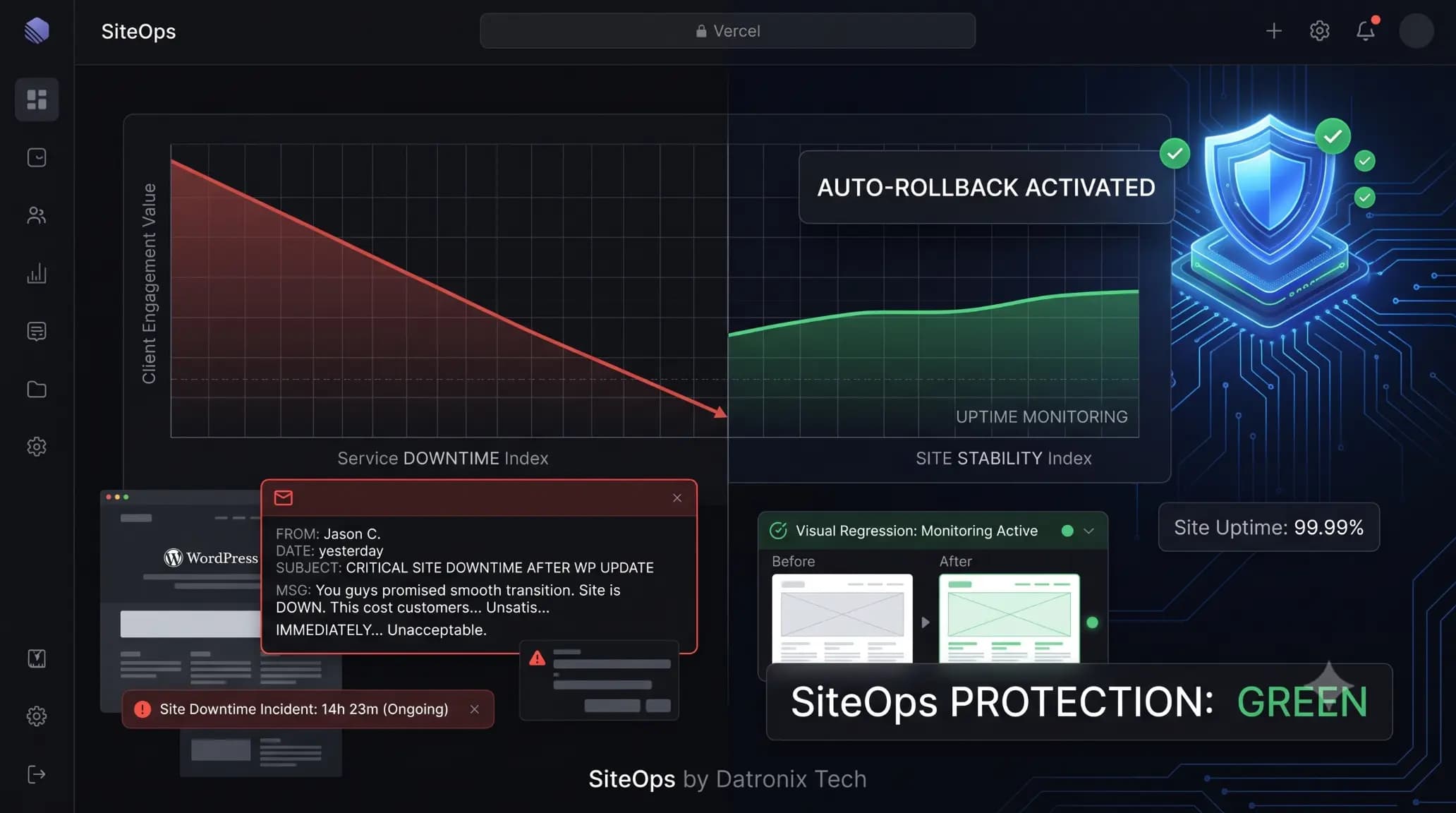
It happens on a Tuesday morning. You bulk-update plugins across 20 client sites, assuming everything is fine. Two hours later, a frantic email arrives from your highest-paying e-commerce client: “Nobody can check out. How long has this been broken?”
The site isn’t technically down, but a minor WooCommerce plugin conflict shattered the CSS on the checkout page. The “Place Order” button is invisible.
If you run a WordPress agency, you understand that an HTTP 200 “OK” status code means nothing if the site cannot convert. The immediate panic of fixing the code is only the surface issue. The true damage goes much deeper, affecting client trust, billable hours, and hard revenue.
According to industry data, e-commerce sites can lose thousands of dollars per hour during critical checkout failures. When a broken wordpress site is your responsibility, those losses become your liability.
In this guide, we will break down the true financial and operational cost of broken wordpress updates and detail exactly how top-tier agencies prevent them entirely using modern automated workflows.
Quick Answer: What is the true cost of a broken WordPress update?
The true cost of a broken WordPress update includes lost immediate revenue (especially for e-commerce), wasted unbillable agency hours spent troubleshooting, and severe damage to client trust. To prevent these costs, modern agencies use visual regression testing tools that automatically detect layout breaks and instantly roll back the failed update before the client or their customers ever see it.
The Immediate Financial Impact: Lost Revenue and Conversions
When we talk about downtime, we usually think of a completely offline server (the White Screen of Death). However, partial breakages are far more common and often more insidious because traditional monitoring tools don’t catch them.
The Silent Killer: Broken Conversion Paths
Imagine a scenario where an update to an optimization plugin defers Javascript incorrectly. The site loads perfectly, but the lead capture form on the primary landing page fails to submit.
If that client spends $500 a day on Google Ads driving traffic to that page, they are actively burning money. Every hour the form is broken is a measurable financial loss. This is the most direct cost of broken wordpress updates. For e-commerce stores, a broken checkout flow or a misconfigured payment gateway plugin translates immediately to abandoned carts and lost sales.
The SEO Penalty of Prolonged Breakages
Search engines value user experience. If a layout shift makes a site unusable on mobile devices (a common side effect of CSS conflicts during updates), Google notices. High bounce rates and rapid exits signal to search algorithms that the page is poor quality.
If an update breaks a site on a Friday evening and you don’t notice until Monday morning, the client’s search rankings can suffer. Recovering from those drops takes time and resources, adding to the hidden wordpress maintenance cost.
The Operational Drain: Unbillable Agency Hours
The financial cost isn’t limited to the client. Broken updates actively drain profitability from your agency.
The Troubleshooting Time Sink
When a client reports a broken layout, your team must drop billable project work to enter triage mode.
- You must identify which of the 15 plugins you updated caused the issue.
- You must roll back the site to a previous backup or manually deactivate the conflicting plugin via FTP.
- You must investigate the conflict, check support forums, or find an alternative solution.
This process can take anywhere from 30 minutes to several hours. This is unbillable time. If you charge $150 an hour for development work, a single broken update just cost your agency hundreds of dollars in lost productivity.
The Staging Site Bottleneck
To prevent broken wordpress updates, many agencies rely on manual staging environments. They clone the site, run the updates, and manually click through the key pages to verify nothing broke. While safe, this process is incredibly slow. If you manage 50 sites on a maintenance retainer, manually QA testing every site every week is mathematically impossible to sustain profitably.
The hidden cost here is the ceiling it places on your agency’s growth. You cannot scale a maintenance business if every new client adds two hours of manual QA work to your week.
The Reputational Damage: Eroding Client Trust
The most significant, yet hardest to quantify, cost of a broken update is the damage to your agency’s reputation.
Clients pay maintenance retainers for peace of mind. They are paying you so they don’t have to worry about their website. When an update you initiated breaks their site, you shatter that illusion of security.
The “Why Am I Paying You?” Conversation
When a client discovers a broken checkout before you do, the conversation is uncomfortable. Even if you fix the issue in ten minutes, the damage is done. The client now feels they need to audit your work. They lose confidence in your technical competence.
Repeated issues, even minor ones, lead to churn. Losing a $500/month maintenance retainer because of a sloppy plugin update costs you $6,000 in annualized recurring revenue.
Agency Reality Check: Your clients don’t care about PHP version conflicts or CSS deprecation. They care that their lead form works. If your maintenance process relies on you noticing a broken form before the client does, you are operating on borrowed time.
How Modern Agencies Prevent Broken Updates (Without Manual Testing)
The legacy approach to WordPress maintenance—clicking “Update All” and crossing your fingers—is obsolete.
To eliminate the cost of broken wordpress updates and protect both client revenue and agency margins, modern operations have shifted to intelligent automation. They don’t just push updates; they verify them autonomously.
The Shift to Visual Regression Testing
The most effective way to guarantee safe updates without manual labor is visual regression testing.
Instead of relying on basic HTTP status checks, visual regression acts like an automated QA tester.
- The system uses a headless browser to take a pixel-perfect screenshot of key pages (Homepage, Checkout, Contact).
- It executes the plugin updates on the live or staging environment.
- It clears the server cache.
- It takes a second screenshot and uses AI to compare the before and after states.
If a CSS class shifted, a button disappeared, or a form broke, the system immediately flags the visual variance.
The Safety Net: Automated Auto-Rollbacks
Detecting a break is only useful if you can fix it before the client sees it.
This is where true automation platforms separate themselves from legacy tools. If a visual regression test detects a broken layout, the system triggers an instant, automated rollback. It restores the database and file system to their pre-update state within seconds.
The client never experiences downtime, their customers can still check out, and you receive an alert detailing exactly which plugin failed the update process.
Automating Safety with SiteOps
If your agency relies on recurring maintenance revenue, you must protect those margins by removing the risk of human error and manual testing.
SiteOps was built specifically to solve the agency update bottleneck. It replaces the anxiety of blind updates with the certainty of AI verification.
When you manage a site with SiteOps, the platform handles the entire QA process autonomously. It analyzes changelogs, performs pixel-perfect visual regression testing, and executes instant auto-rollbacks if a visual change is detected.
You no longer have to choose between the liability of blind updates and the unprofitability of manual staging tests. With 4-level deep security scanning and 5-minute uptime monitoring natively integrated, SiteOps allows you to scale your maintenance portfolio infinitely without scaling your headcount.
Whether you manage a few critical client sites on a Pro plan or hundreds on an Agency tier, you can finally guarantee your clients that their sites will never break during an update.
Frequently Asked Questions
What is the true cost of a broken WordPress update? The true cost includes the immediate loss of revenue or leads for the client, the unbillable hours your agency spends troubleshooting the issue, and the long-term damage to client trust that often leads to churned retainers.
How do I prevent broken WordPress updates? To prevent broken updates, you must verify the changes visually. You can either do this manually by pushing updates to a staging environment and testing key pages, or use an automated platform that performs visual regression testing and auto-rollbacks.
Why do WordPress updates break sites? Updates break sites due to code conflicts. A new plugin version might conflict with your theme’s JavaScript, require a newer PHP version than your server runs, or alter CSS classes that break your frontend layout.
What happens if a plugin update breaks my WordPress site? If a plugin update breaks your site, you should immediately roll back to a backup taken right before the update. If you cannot access the dashboard, you must use FTP to rename the specific plugin folder, which forces WordPress to deactivate it.
Can WordPress automatically update plugins safely? Native WordPress auto-updates are risky for complex sites. They execute blindly, meaning they apply the new code without checking if it broke your layout or forms. Safe automation requires a third-party tool with visual verification.
What is visual regression testing for WordPress? Visual regression testing is an automated process that takes a screenshot of your site before an update and another screenshot after. It compares the two images to detect any visual breakages, missing elements, or layout shifts caused by the update.
How do agencies manage WordPress updates efficiently? Top agencies use automated maintenance platforms that combine bulk update capabilities with visual regression testing. This allows them to manage dozens or hundreds of sites from one dashboard while ensuring broken updates are automatically rolled back.
Does a 200 OK status mean my WordPress site is working? No. An HTTP 200 OK status only means the server responded successfully. Your site could have a completely broken layout, a missing checkout button, or a broken contact form and still return a 200 status code.
Should I update all WordPress plugins at once? If you are updating manually without automated visual regression tools, never update all plugins at once. Bulk updating makes it very difficult to isolate which specific plugin caused a fatal error or layout break.
What is the best tool for safe WordPress updates? For agencies, the best tools prioritize verification and safety. Platforms like SiteOps are designed to handle updates autonomously, utilizing AI visual regression and instant auto-rollbacks to guarantee production sites remain stable.
The Bottom Line
A broken WordPress update is not just a technical inconvenience; it is a business failure.
Every time a checkout form fails or a layout breaks, your client loses money and you lose credibility. Continuing to rely on blind bulk updates or unprofitable manual QA testing is a risk modern agencies cannot afford to take.
You must adopt a workflow that verifies every change before it impacts the end user. By implementing automated visual regression testing and instant rollbacks, you protect your clients’ revenue and secure your agency’s reputation.
Stop letting plugin updates threaten your client relationships. SiteOps automates all of this — free for 1 site, no card required.
Related Posts
How to Safely Update WordPress Plugins Without Breaking Your Site
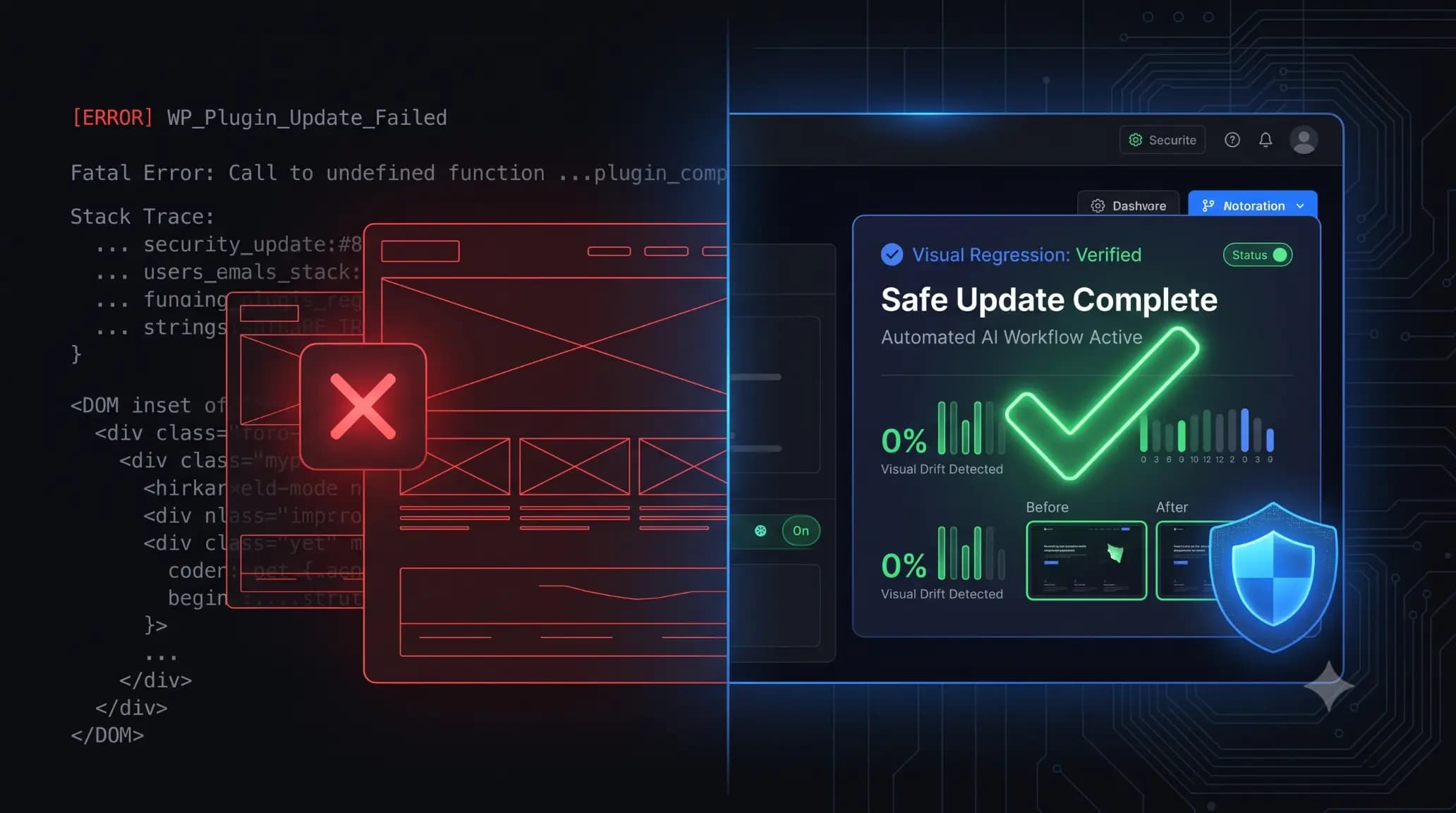
You click the “Update” button on a client’s WooCommerce store. The page refreshes. Instead of the familiar success message, you are met with a blank white screen. The site is down. Panic sets in. You scramble to access the server, rename plugin folders via FTP, and pray the database isn’t corrupted. If you manage WordPress […]
ManageWP vs SiteOps: Finding the Right ManageWP Alternative for Agencies
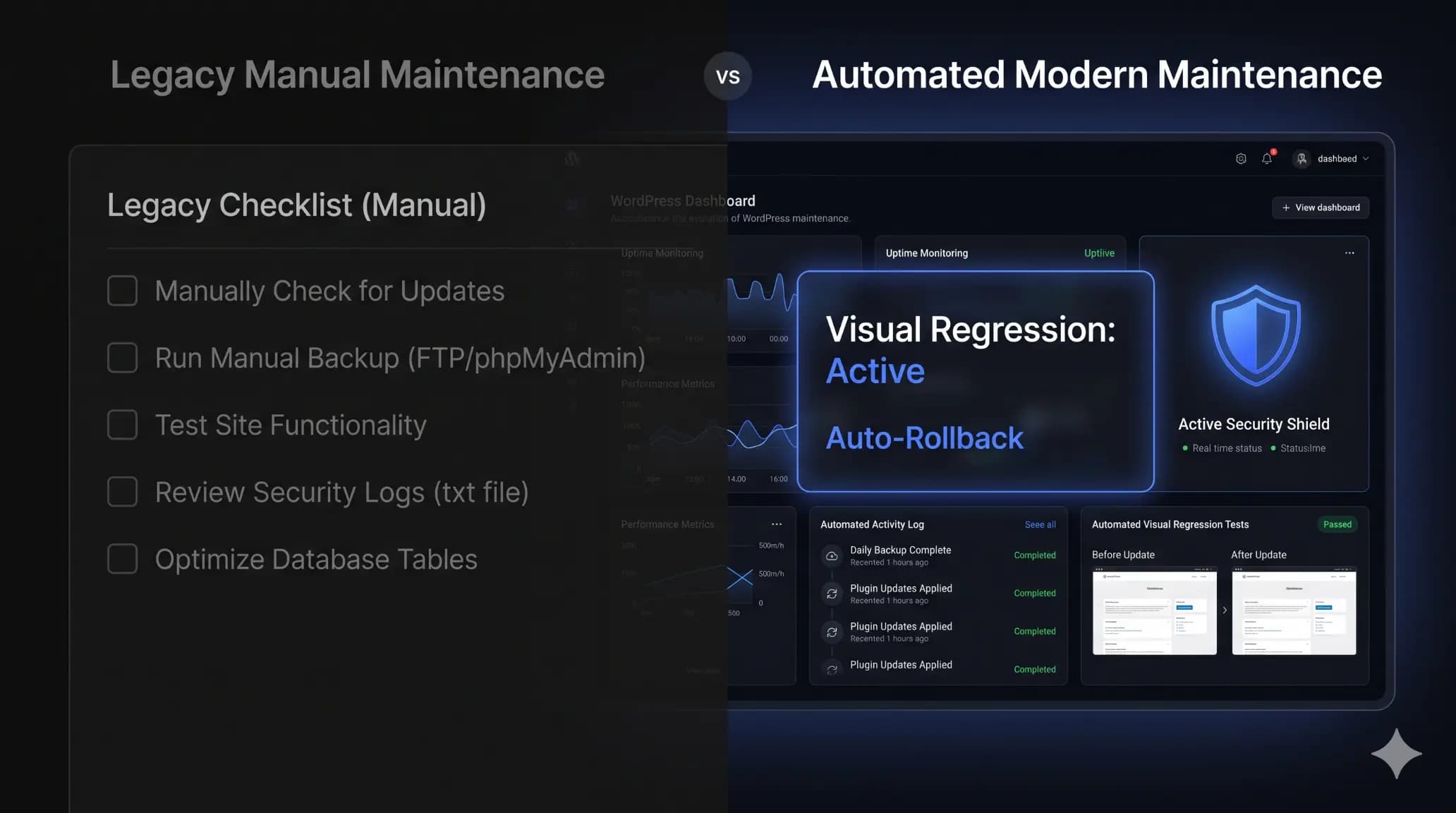
You click “Update All” across 40 client sites, cross your fingers, and wait. Three hours later, an angry client calls. Their WooCommerce checkout button disappeared after a minor plugin update. You spend the next hour digging through backups, restoring the site, and writing a highly uncomfortable apology email. If you run a WordPress agency, you […]