How AI is Changing WordPress Maintenance in 2026 (The End of Manual Updates)
Datronix · July 2026 · 11 min read
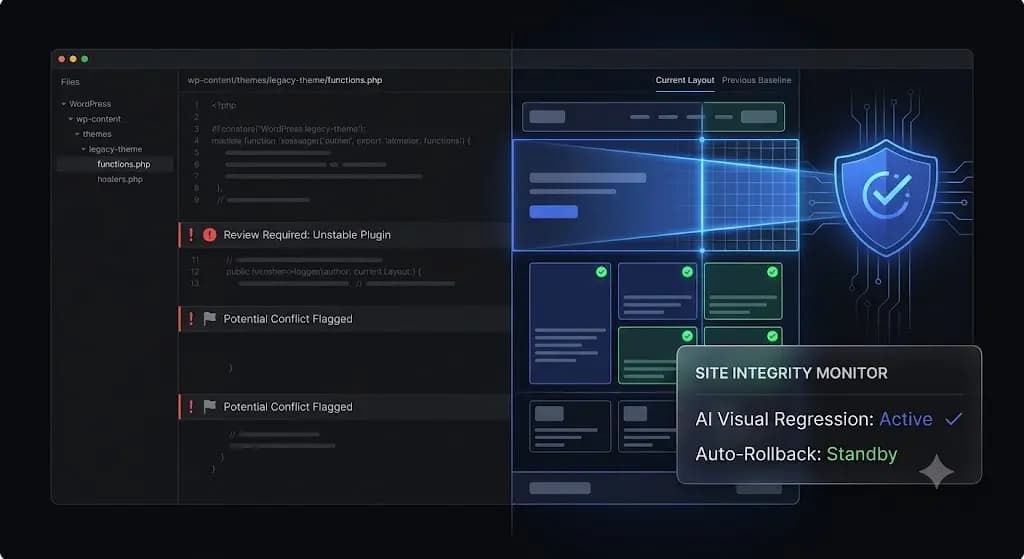
It is Friday afternoon. You manage 60 client WordPress sites, and a critical vulnerability was just announced for a massively popular form plugin.
You have two choices. You can spend the next six billable hours manually cloning sites to staging environments, updating the plugin, and clicking through 60 contact pages to ensure nothing broke. Or, you can click “Bulk Update All” on a legacy management tool, go home, and pray your phone doesn’t ring on Saturday morning because a client’s lead flow shattered.
For over a decade, WordPress agencies have been trapped in this operational bottleneck. The risk of blind updates is too high, but the cost of manual QA testing destroys profit margins.
But in 2026, the paradigm has shifted. AI wordpress maintenance is no longer a buzzword associated with generating blog posts; it is a structural operational layer. Artificial intelligence is actively replacing human QA testers, fundamentally changing how agencies manage security, uptime, and scale.
This guide breaks down the exact technical mechanisms of AI-driven website management, how it compares to legacy automation, and how top-tier agencies are using it to scale their retainers infinitely.
Quick Answer: What is AI WordPress maintenance?
AI WordPress maintenance is the use of artificial intelligence and machine learning to autonomously manage website security, updates, and performance. Unlike legacy tools that blindly push updates, AI maintenance platforms utilize headless browsers and visual regression testing to capture before-and-after screenshots. If the AI detects a broken layout, missing button, or fatal error during an update, it autonomously rolls the site back to its previous stable state without human intervention.
The Legacy Era is Over: Why Manual Maintenance Fails at Scale
Before understanding how AI fixes the system, you must understand why the legacy system is fundamentally broken. The WordPress ecosystem of 2026 is exponentially more complex than it was in 2015.
The Fragility of the Modern DOM
Ten years ago, a WordPress theme was a simple collection of PHP templates and a single style.css file. Today, sites are built with complex, dynamic page builders (Elementor, Bricks), headless frontend frameworks, and heavy JavaScript-driven WooCommerce checkouts.
The Document Object Model (DOM) is incredibly fragile. A minor update to a caching plugin might defer a crucial piece of JavaScript, causing a mobile menu to become unclickable. An update to an SEO plugin might alter a CSS class, pushing a “Buy Now” button off the screen.
Basic monitoring tools send an HTTP request to the server. If the server responds with a 200 OK status, the tool says the site is fine. But an HTTP 200 status cannot tell you if your CSS is broken.
The Billable Hour Trap
Clients pay you for peace of mind. To guarantee that peace of mind using legacy workflows, your agency must perform manual Quality Assurance (QA).
If you charge $150 a month for a maintenance retainer, but your lead developer spends 90 minutes a month manually testing updates on a staging server for that specific client, you are actively losing money. Manual QA testing places a hard mathematical ceiling on agency growth. You cannot scale to 200 client sites without hiring a massive, expensive QA team.
How AI WordPress Maintenance Actually Works
The shift to wordpress maintenance automation powered by AI replaces the human eye with pixel-perfect machine vision. It transitions your workflow from reactive troubleshooting to proactive, autonomous prevention.
Here are the specific technologies driving this shift.
1. Visual Regression Testing (The Eyes of the AI)
This is the core engine of modern maintenance. Instead of checking a server code, AI looks at the actual website identically to how a human visitor does.
- The Baseline: Before initiating any plugin or core update, the AI spins up a headless browser (like Puppeteer or Playwright). It visits the live site and captures a high-resolution DOM snapshot and visual screenshot of key pages (Homepage, Checkout, Contact).
- The Execution: The system runs the requested updates and clears the server-side and CDN cache.
- The Comparison: The AI takes a second screenshot. It then overlays the two images and analyzes the variance down to the exact pixel.
- The Verdict: It can differentiate between expected dynamic content (like a rotating ad banner or a new blog post) and an actual layout break (a missing div, a misaligned header, or a broken font file).
2. Autonomous Auto-Rollbacks (The Hands of the AI)
Detecting a broken site is useless if it requires a human to wake up at 2:00 AM to fix it.
If the AI visual regression test flags a layout shift that exceeds the acceptable threshold, it immediately stops the operation. Within seconds, it triggers an autonomous rollback, restoring the MySQL database and the file system to the exact state they were in three minutes prior.
The client never experiences downtime. The end-user never sees a broken checkout. You simply receive an email stating: “WooCommerce update failed visual QA. Site autonomously rolled back. Review required.”
3. Intelligent Threat Intelligence (The Brain of the AI)
According to WPScan database reports, over 90% of WordPress vulnerabilities originate from third-party plugins. Relying on basic malware scanners that check public blacklists means you only find out you were hacked after the damage is done.
AI threat intelligence cross-references your active plugin roster against the global CVE (Common Vulnerabilities and Exposures) database in real-time. If a zero-day vulnerability is announced for a plugin your client is running, the AI can automatically deploy a temporary firewall rule or safely deactivate the plugin before a human hacker can exploit the flaw.
Agency Reality Check: If your client discovers a broken layout before you do, your retainer is at risk. AI maintenance platforms ensure that a broken update never makes it to the live production environment.
AI Automation vs Traditional Automation (Comparison)
To scale a maintenance portfolio profitably, agencies must understand the distinction between legacy remote-control tools (like ManageWP or MainWP) and true AI autonomous agents.
| Capability | Legacy Tools (Basic Automation) | Modern AI (SiteOps) |
|---|---|---|
| Update Verification | Relies on flawed HTTP 200 server checks | Uses headless browser Visual Regression |
| Broken Update Handling | Sends an email alert; site remains broken | Instant Autonomous Auto-Rollback |
| Security Scanning | Reactive blacklist checks | Proactive 4-level deep CVE scanning |
| Client Reporting | Static PDF lists of updated plugins | AI-generated health & security summaries |
| Agency Scalability | Low (Requires manual human verification) | Infinite (Machines handle all QA testing) |
The Impact on Agency Profitability and Client Retention
Adopting ai tools for wordpress agencies is not just a technical upgrade; it is a fundamental business transformation.
Eliminating the QA Bottleneck
By trusting AI to handle visual verification and rollbacks, you remove the most time-consuming aspect of WordPress management. A task that previously took a senior developer five hours on a Friday can now be executed by a junior account manager in ten minutes.
You reclaim those billable hours. You can redirect your top technical talent away from mundane plugin updates and toward high-ticket feature development or conversion rate optimization.
Redefining the Client Report
A traditional maintenance report is a boring PDF listing “32 plugins updated.” Clients do not understand this, and eventually, they stop reading them. If they don’t read the report, they will soon question the value of the retainer.
AI is transforming client communication. Modern platforms can analyze the month’s data uptime, security blocks, database optimizations, and prevented layout breaks and generate a customized, human-readable executive summary.
Instead of raw data, the AI writes: “This month, we blocked 412 unauthorized login attempts and successfully executed 14 plugin updates. Our AI detected a critical visual break during an update to your checkout gateway and safely rolled it back, preventing an estimated 4 hours of downtime during your peak sales window.”
That is a report that justifies a $500/month retainer.
Automating the Future with SiteOps
The era of manual bulk updates is over. The liability is too high, and the profit margins are too low.
If your agency is going to scale in 2026 and beyond, you must transition to a platform built natively on artificial intelligence and visual regression testing.
SiteOps was engineered specifically to be the autonomous AI agent for WordPress agencies. It replaces the anxiety of blind updates with the absolute certainty of AI verification.
When you manage your portfolio through SiteOps, you deploy an automated QA tester to every single client site. The platform natively integrates pixel-perfect visual regression testing with instant automated rollbacks. It pairs this autonomous safety with 4-level deep security scanning (checking core files, malware, CVE databases, and config hardening) and uptime monitoring executing every 5 minutes.
Stop letting manual maintenance tasks bottleneck your agency growth. You can scale your recurring revenue infinitely when your software handles the verification work for you.
Automate your entire workflow with the SiteOps Agency Plan featuring unlimited sites for a flat monthly rate, ensuring your software overhead never increases as you acquire new clients.
Frequently Asked Questions
What is AI WordPress maintenance? AI WordPress maintenance uses artificial intelligence to manage site operations autonomously. It utilizes visual regression testing to “see” if an update breaks a layout and uses auto-rollbacks to instantly fix the site if a failure occurs, eliminating the need for human QA testing.
Will AI replace WordPress developers? No, AI will not replace developers. It will replace the mundane, repetitive tasks that developers hate doing, such as manually clicking through staging sites to verify plugin updates. This frees developers to focus on custom code, architecture, and high-value client work.
What is visual regression testing in WordPress? Visual regression testing uses a headless browser to take a screenshot of your site before an event (like a plugin update), and another screenshot after. AI compares the images pixel-by-pixel to detect visual breaks, missing elements, or layout shifts that basic code scanners miss.
How does AI improve WordPress security? Legacy security relies on reactive malware blacklists. AI improves security proactively by constantly cross-referencing your active plugins against global CVE databases, detecting anomalies in file integrity, and instantly recognizing obfuscated zero-day malware patterns.
What happens if a plugin update breaks a site using AI? If you are using an AI maintenance platform like SiteOps, the system detects the visual break during the update process. Before the end-user ever sees the error, the AI autonomously triggers a rollback, restoring the site’s database and files to their stable pre-update state.
Why is legacy WordPress automation dangerous? Legacy automation tools (like basic bulk updaters) push code blindly. They rely on basic HTTP server checks. They cannot tell if a CSS file failed to load or if a checkout button disappeared. Pushing updates blindly without visual verification is a massive liability for agencies.
Can AI generate WordPress maintenance reports? Yes. Modern AI platforms synthesize raw data (uptime stats, security blocks, plugin updates) into clear, human-readable executive summaries. This helps clients easily understand the value of their maintenance retainer without needing to interpret technical logs.
How much time does AI maintenance save agencies? Agencies manually managing 50 sites often spend 10 to 15 hours a month purely on staging tests and update verification. AI maintenance platforms reduce this time to near zero, as the software autonomously verifies layouts and handles rollbacks.
Does AI maintenance slow down my client’s website? No. Advanced platforms like SiteOps process the visual regression testing and AI analysis on their own cloud infrastructure. They interact with your client’s site via lightweight REST API calls, meaning there is zero performance impact on the frontend for real visitors.
What is the best AI tool for WordPress agencies? For agencies looking to automate maintenance, SiteOps is the leading platform. It is specifically designed to replace manual QA testing by combining AI visual regression, instant auto-rollbacks, deep CVE security scanning, and intelligent reporting in one dashboard.
The Bottom Line
A broken client website is an operational failure. But a broken website caused by an update you pushed manually is a failure of agency operations.
In 2026, relying on a static text document or a legacy bulk-update tool to manage ai website management is a risk modern agencies cannot afford to take. You must verify the visual integrity of every update, proactively scan for CVE threats, and maintain strict database hygiene.
By implementing AI visual regression testing and an autonomous operational dashboard, you protect your clients’ revenue, secure your agency’s reputation, and radically preserve your profit margins.
Not sure if your WordPress site is secure? Run a free instant audit and uncover security issues, broken links, uptime risks, and performance bottlenecks in seconds:
Try our free audit tool
Related Posts
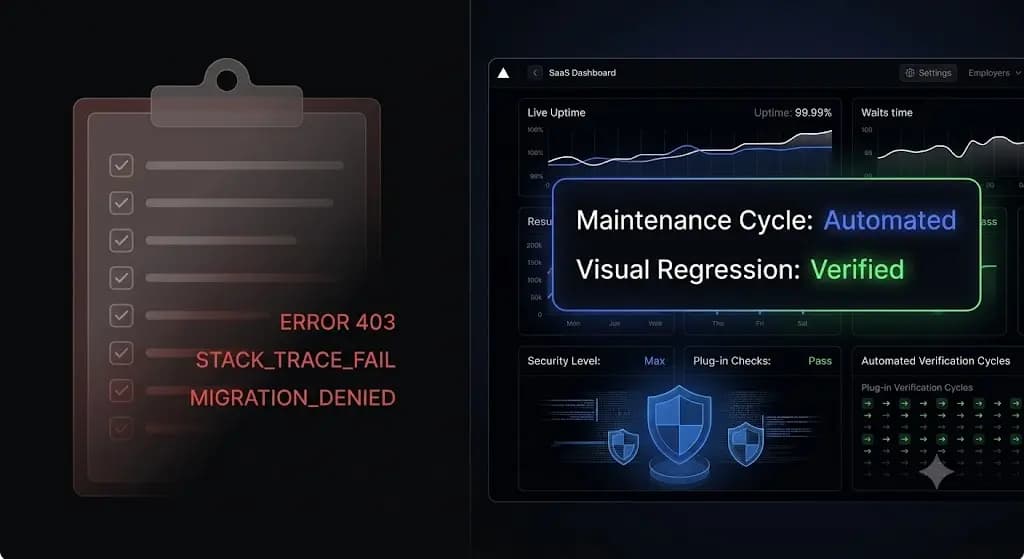
The Ultimate WordPress Maintenance Checklist for Agencies in 2026
It is Monday morning. You manage 40 client websites on monthly retainers. You log into your command center and see 184 pending plugin updates across your portfolio. You hesitate. You know that blindly clicking “Update All” is a massive liability. A single conflicting Javascript file from a minor plugin update can shatter a WooCommerce checkout […]
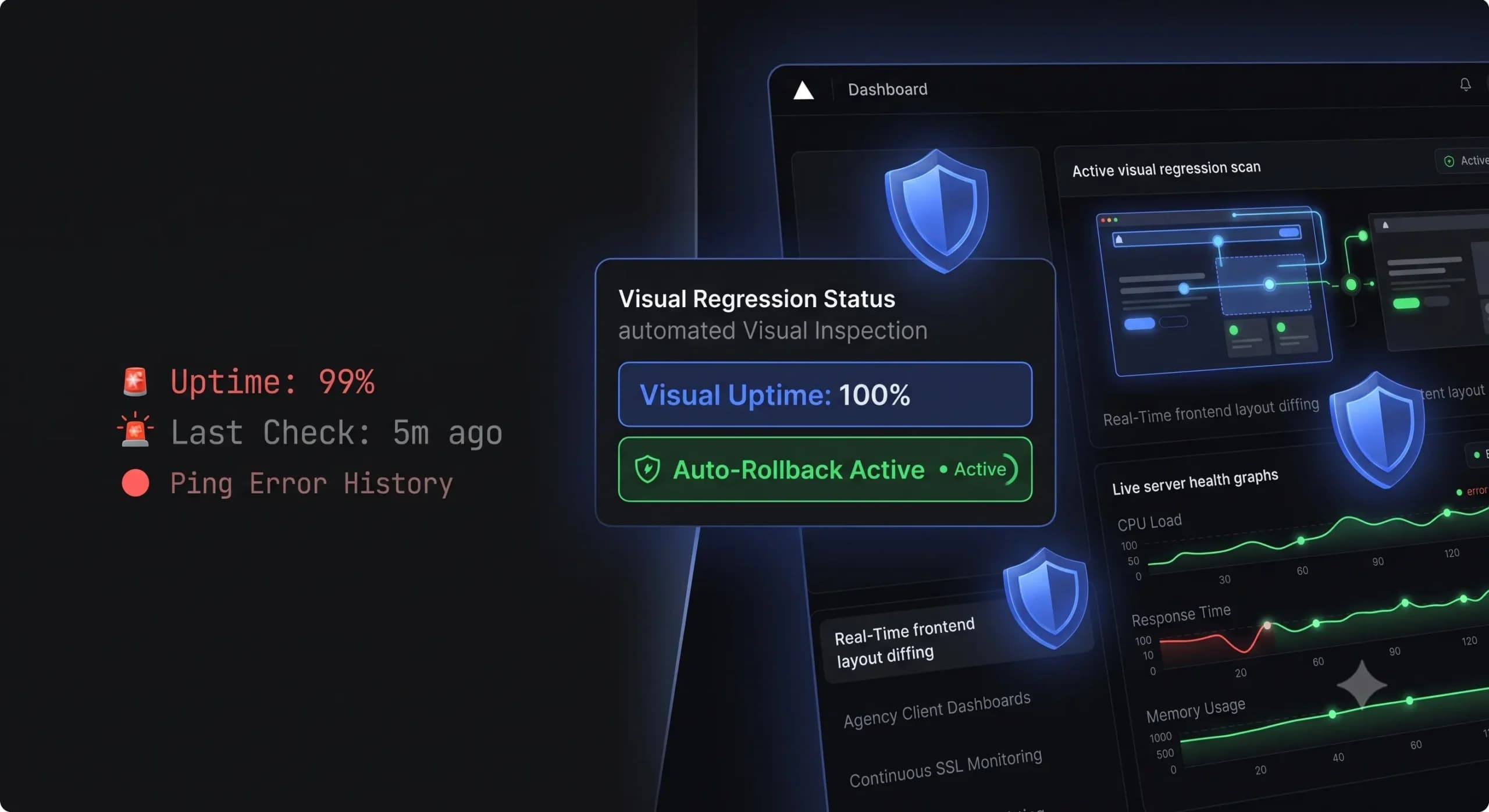
Best WordPress Monitoring Tools in 2026 | Top 7 Compared
You shouldn’t find out a client’s website is down because they sent you an angry email. If you manage a portfolio of WordPress sites, your reputation relies entirely on catching errors before the end user experiences them. In the past, achieving this meant setting up a simple pinging service to check if the server was […]