Escaping “Plugin Hell”: How Custom WordPress Development Rescues Slow, Hacked Websites
Datronix · September 2026 · 7 min read
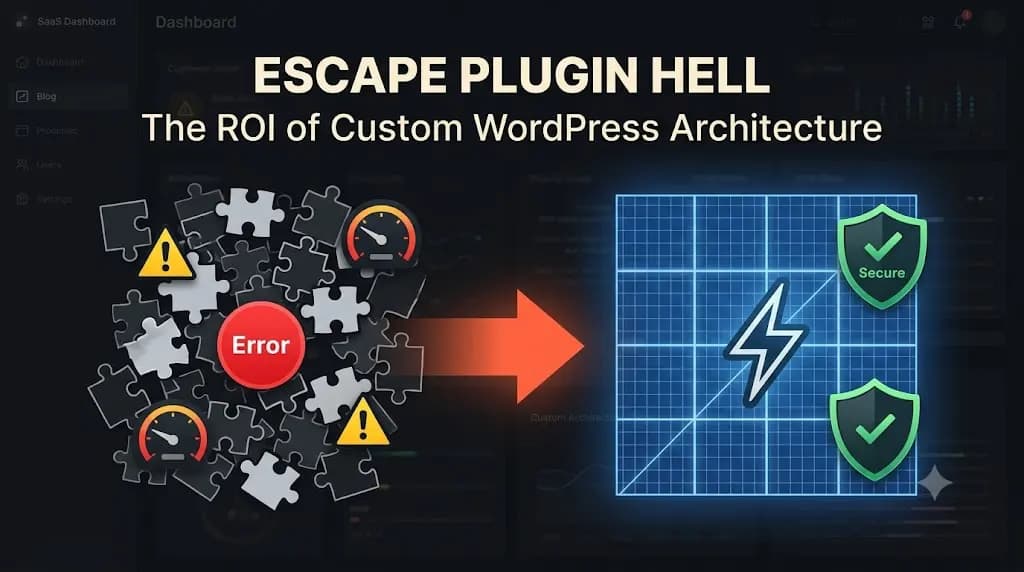
If you want to scale your digital presence in 2026, you cannot rely on DIY page builders. You need a structural intervention. Here is the technical deep-dive into why bloated WordPress sites fail, and how professional custom WordPress development provides the ultimate ROI by replacing fragile plugins with a bulletproof, high-performance architecture.
You run a successful, high-revenue business. You have a dedicated sales team, a premium product, and a strong market reputation. Yet, your digital storefront your primary marketing asset is held together by duct tape.
You bought a $50 template from ThemeForest three years ago. Since then, your marketing team has installed 45 different plugins to force the site to do things it was never designed to do. You have an SEO plugin, three different caching plugins fighting each other, a slider plugin that takes 4 seconds to load, and a page builder that generates thousands of lines of useless code.
You are living in Plugin Hell.
The symptoms are undeniable. Your site crashes during every major marketing campaign. Your Google Core Web Vitals are entirely in the red, tanking your organic rankings. Worst of all, you wake up to find your site redirecting to a malicious domain because one of those 45 plugins had an unpatched security vulnerability.
The Anatomy of a Bloated WordPress Site
To understand why your site is slow and vulnerable, you have to look under the hood at how generic themes and heavy plugins interact with the WordPress core database.
1. The Page Builder Penalty
Tools like Elementor, WPBakery, and Divi are fantastic for amateur bloggers. But for enterprise sites, they are a massive liability.
When you use a visual page builder to drag and drop a simple text box onto a page, the builder doesn’t just output a clean <p> HTML tag. It wraps that text in ten layers of nested <div> containers, applies inline CSS styles, and loads heavy JavaScript libraries just to render the layout. This is known as DOM (Document Object Model) bloat.
According to Google’s Web Vitals documentation, an excessive DOM size drastically increases the time it takes for a browser to parse and render a page, resulting in terrible Time to First Byte (TTFB) and First Contentful Paint (FCP) scores.
2. The Database Query Nightmare
Every time you install a plugin to add a feature let’s say, a “Testimonial Slider” or a “Custom Contact Form” that plugin typically injects its own CSS files, JavaScript files, and often creates custom tables in your database.
When a user visits your homepage, the server has to query the database to load the core WordPress content, plus it has to execute the logic for all 45 active plugins. This results in hundreds of synchronous database queries firing simultaneously. When a traffic spike hits, your server CPU maxes out, the database locks up, and you get the dreaded “Error Establishing a Database Connection” screen.
3. The Security Surface Area
In cybersecurity, we talk about the “attack surface.” Every plugin you install increases your attack surface.
WordPress core is incredibly secure, managed by a global team of elite security engineers. However, the random “Mega Menu” plugin you installed three years ago might be maintained by a single developer who abandoned the project in 2024. Hackers use automated bots to scan the internet for sites running outdated, vulnerable plugins (a frequent vector highlighted in Wordfence’s annual threat reports). Once they find the vulnerability, they inject malware, steal user data, or hold your site for ransom.
The Tourniquet: Architecting a Custom Solution
The solution to Plugin Hell is not installing another plugin to “optimize” the mess. The solution is to rip out the generic foundation and rebuild using the principles of custom WordPress development.
Here is how our senior engineering team at Datronix Tech architects a high-performance, secure WordPress environment.
1. Eradicating the Page Builder
We strip away the heavy visual builders (Elementor/Divi) and replace them with a bespoke, custom-coded theme.
We build the exact layouts your design team demands using semantic HTML5, modern CSS Grid/Flexbox, and lightweight JavaScript. Because we aren’t relying on a visual builder to guess the layout, the resulting code is exponentially lighter. What used to be a 4MB page size drops to 400KB. The site loads in under 1 second on a 5G connection.
2. Embracing Custom Post Types (CPTs)
Instead of forcing standard WordPress “Posts” and “Pages” to act like complex data structures, we utilize Custom Post Types (CPTs).
If you are a logistics company, we don’t use a generic “Portfolio” plugin to display your fleet. We program a dedicated Fleet CPT directly into your theme’s functions.php file (or a lean, custom functionality plugin). This isolates your data cleanly within the database, making it highly searchable and perfectly structured.
(This structural approach is similar to how we architect complex custom web development services using the MERN stack data must be organized logically, not forced into the wrong container).
3. Advanced Custom Fields (ACF) as the Engine
To give your marketing team control without the bloat, we rely heavily on Advanced Custom Fields Pro (ACF).
Instead of a drag-and-drop builder, we create structured, bespoke input fields in the WordPress backend. Your marketer simply types the headline into the “Headline” box, uploads an image to the “Hero Image” box, and hits publish.
Our custom code takes that raw data and renders it flawlessly on the frontend. The marketing team cannot accidentally break the layout, and the server doesn’t have to load any heavy page builder scripts. It is the perfect balance of editorial control and engineering performance.
4. Hardcoding Plugin Logic
Do you really need a massive third-party plugin just to add Google Analytics tracking code or create a 301 redirect? No.
During a custom WordPress development overhaul, we audit your 45 plugins. We typically find that 60% of them perform simple tasks that our engineers can hardcode directly into the theme in 20 lines of PHP.
By hardcoding this logic, we eliminate the plugin overhead, reduce database queries, and drastically shrink your security attack surface. We rely only on essential, enterprise-grade plugins (like robust security firewalls, SEO frameworks, and perhaps WooCommerce if e-commerce is required).
The ROI of Custom WordPress Development
Moving from a $50 template to a custom-engineered architecture requires an upfront investment. However, the Return on Investment (ROI) is realized almost immediately across three distinct areas:
- Conversion Rate Optimization (CRO): Amazon famously found that every 100ms of latency cost them 1% in sales. When your site loads in 800 milliseconds instead of 5 seconds, your bounce rate plummets, and your conversion rate soars.
- SEO Dominance: In 2026, Google’s algorithm heavily penalizes slow, bloated websites. A clean, custom architecture effortlessly passes Core Web Vitals, giving you a significant competitive advantage in organic search over competitors still trapped in Plugin Hell. (Read more about the technical foundations of modern ranking in our SEO strategies guide).
- Operational Stability: Your site stops crashing during Black Friday. Your marketing team spends their time writing content instead of fighting with broken formatting. Your IT team stops worrying about catastrophic plugin vulnerabilities.
Conclusion: Stop Renting a Broken Foundation
A successful business cannot be built on a fragile digital foundation. If your website feels like a house of cards ready to collapse under the weight of its own plugins, it is time to stop patching the holes.
By investing in expert custom WordPress development, you take ownership of your code. You transform your website from a vulnerable liability into a high-performance, lead-generating asset that perfectly matches your operational needs.
(Note: When scoping custom CMS architectures and teardowns, all Datronix Tech B2B service proposals natively include the requisite 18% GST charge, ensuring complete financial transparency from the initial audit to final deployment).
Is your WordPress site bloated, slow, or constantly under threat?
👉 Get a WordPress Performance & Security Teardown.
Let our senior developers look under the hood of your site. We will audit your active plugins, measure your database bloat, and show you exactly where you are losing speed and security. Schedule your technical review today and let Datronix Tech rescue your digital storefront.
Related Posts
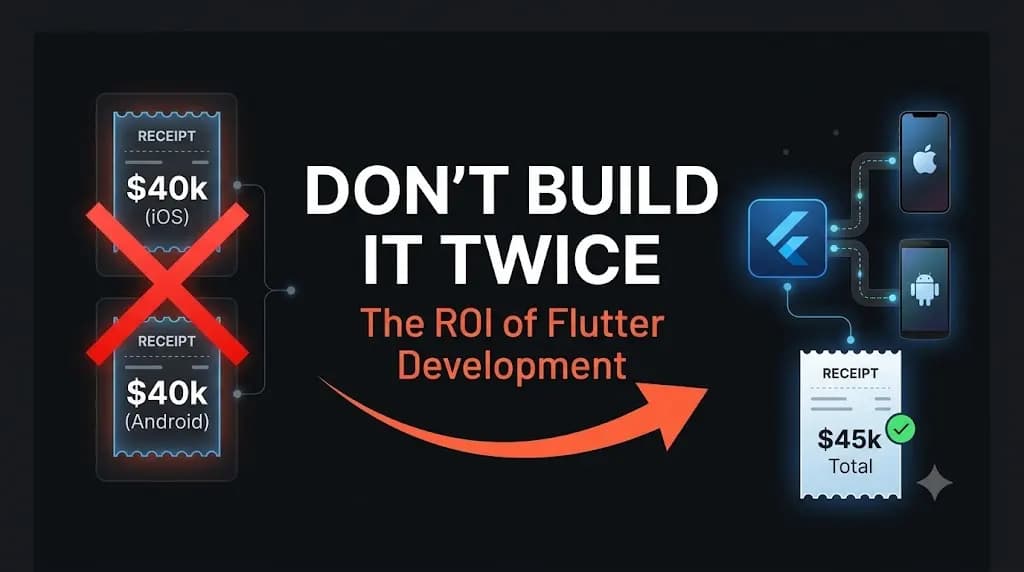
Don’t Pay for Two Codebases: The Cost-Saving Power of Flutter Mobile App Development
The good news? You do not have to pay for two codebases anymore. The industry standard has shifted, and Flutter mobile app development is the tourniquet that stops the bleeding, allowing you to build high-performance apps for a fraction of the traditional native cost. You finally have the funding, or the revenue, to build that […]

Your Meta Ads Aren’t Broken, Your Shopify Mobile Theme Is: Fixing the Leaky E-Commerce Funnel
If your site takes 6 seconds to load on a 5G mobile connection, your funnel is leaking massive amounts of cash. Here is the technical breakdown of how custom Shopify development and Shopify mobile theme speed optimization directly lower your ad costs and rescue your ROI. It’s the most frustrating scenario in e-commerce. You hired […]