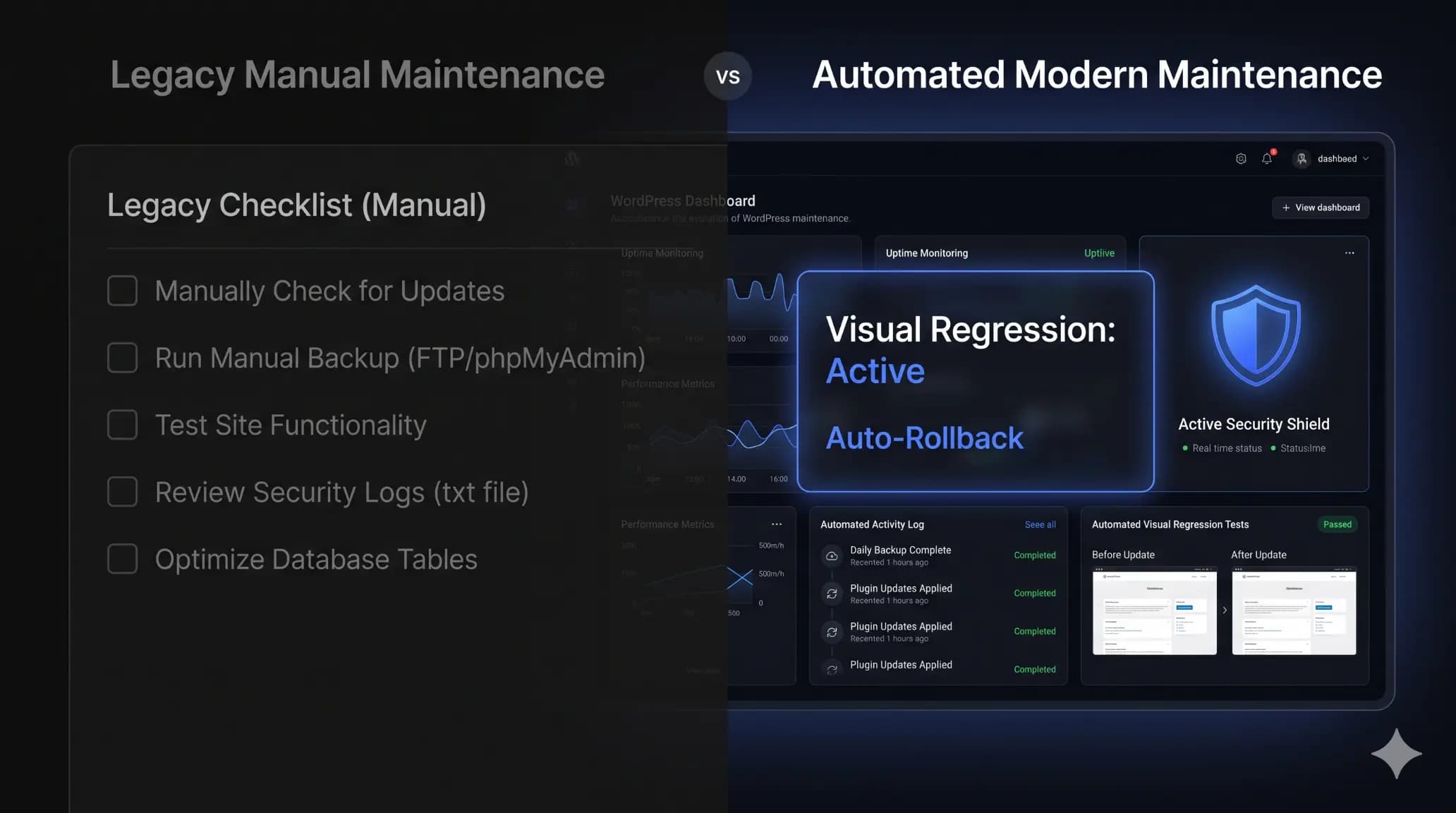
How to Automate WordPress Maintenance for Multiple Sites
Datronix · July 2026 · 10 min read
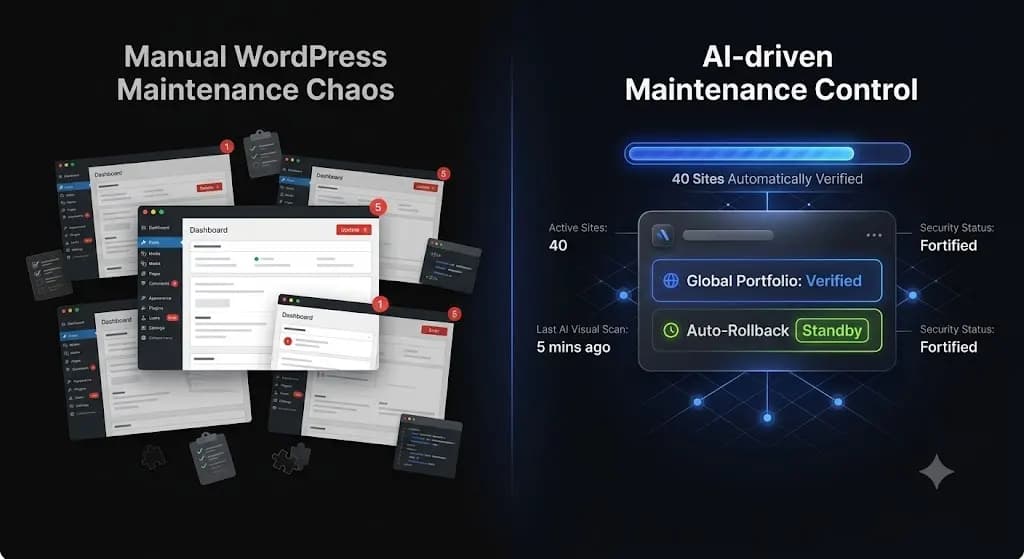
Managing one WordPress site is easy. Managing fifty is an operational nightmare.
If you run an agency or freelance development business, you know the weekly routine. You log into a management dashboard, see 300 pending plugin updates across your client portfolio, and hesitate. You can spend the next six hours manually cloning sites to staging environments to test those updates safely. Or, you can click “Bulk Update All,” go home for the weekend, and pray you don’t wake up to an angry text message from a client whose WooCommerce checkout is broken.
When you manage multiple sites on retainer, manual Quality Assurance (QA) places a hard mathematical ceiling on your revenue. You cannot scale to 100 client sites if every site requires 30 minutes of human verification per month.
To protect your profit margins and your sanity, you must automate wordpress maintenance. But true automation means more than just scheduling blind updates. It means giving a system the autonomy to detect failures and fix them instantly.
This guide breaks down exactly how modern agencies manage updates, security, and reporting across multiple WordPress installations without sacrificing stability.
Quick Answer: How do you automate WordPress maintenance?
To automate WordPress maintenance for multiple sites, agencies use centralized platforms like SiteOps or ManageWP. These tools execute scheduled backups, run daily security scans, and handle bulk plugin updates from a single dashboard. For true, safe automation, modern tools utilize AI visual regression testing to capture before-and-after screenshots during an update, automatically rolling the site back to a previous backup if the layout breaks.
The Problem with Legacy “Bulk Management” Tools
Before we discuss how to fix the workflow, we have to look at why the current industry standard is broken.
Over a decade ago, tools like ManageWP and InfiniteWP revolutionized agency workflows by offering a single dashboard to update plugins across dozens of sites simultaneously. They solved the problem of logging into 50 different wp-admin panels.
But the WordPress ecosystem evolved. Modern sites use complex page builders, headless architectures, and heavy JavaScript frameworks. The Document Object Model (DOM) is fragile.
The Liability of Blind Updates
Legacy management tools perform blind updates. They push the new plugin code and check the server for an HTTP 200 “OK” status.
Here is the fatal flaw: An HTTP 200 status only means the server responded. It does not verify if your CSS is broken, if your mobile menu disappeared, or if a minor JavaScript conflict hid your client’s primary lead capture form.
If you use a basic bulk updater, you are not actually automating maintenance; you are just automating the deployment of risk. You still have to manually verify every site to ensure nothing broke.
Industry Reality Check: According to WPScan database reports, over 90% of WordPress vulnerabilities originate from third-party plugins. You cannot ignore updates. But pushing them blindly without visual verification is a massive liability for your agency.
Core Capabilities Required to Automate Multiple Sites
If you are transitioning from manual management to an automated, centralized workflow, your chosen platform must execute four core functions autonomously.
1. Centralized Proactive Security Scanning
Managing security across multiple sites requires more than reactive malware alerts. If a client’s site gets flagged by Google Safe Browsing, the damage to their SEO and reputation is already done.
Your automation tool must scan multiple layers:
- Core File Integrity: It must verify that core WordPress files match the official WordPress.org checksums daily.
- CVE Vulnerability Tracking: It must cross-reference your clients’ active plugins against the global Common Vulnerabilities and Exposures (CVE) database, alerting you to zero-day threats before a patch is released.
- Configuration Hardening: It should autonomously ensure files like
wp-config.phpand.htaccessmaintain strict permissions across your entire portfolio.
2. High-Frequency Uptime Monitoring
Basic ping tools check your site every 30 to 60 minutes. That is insufficient for e-commerce or high-traffic lead generation sites.
When managing multiple sites, you need an automated dashboard that monitors uptime across your entire portfolio every 1 to 5 minutes. More importantly, when a site goes down, the dashboard should provide 1-click secure admin access so you can troubleshoot immediately without digging through a password manager.
3. Automated Off-Site Backups
A backup stored on the same server as the website is useless if the server fails or is compromised by ransomware.
Your automation workflow must push daily, incremental backups (both the MySQL database and the wp-content directory) to a secure, third-party cloud storage provider like Amazon S3, Google Cloud, or a dedicated storage vault provided by your maintenance platform.
4. Client Reporting Generation
If you manage maintenance retainers, your clients need to see what you are doing. Compiling 50 different PDF reports manually at the end of the month takes days.
Modern automation pulls uptime stats, security blocks, and update logs, and uses AI to generate a clean, white-labeled executive summary for every client simultaneously.
The Solution: Visual Regression Testing and Auto-Rollbacks
The only way to truly automate wordpress maintenance multiple sites without risking client anger is to replace manual human QA with machine vision.
This is where the industry is shifting. Instead of blindly pushing code, modern platforms utilize Visual Regression Testing.
How Visual Regression Replaces Human Testers
- The Baseline: Before a scheduled plugin update occurs, the system spins up a headless browser. It visits the live client site and takes a pixel-perfect snapshot of the DOM and a high-resolution screenshot.
- The Execution: The system applies the plugin update and automatically flushes the server cache.
- The Comparison: The headless browser returns and takes a second screenshot.
- The AI Verdict: The system overlays the two images. It differentiates between expected dynamic content (like a rotating slider) and actual layout breakages (like a missing div or shifted CSS grid).
The Auto-Rollback Safety Net
Visual regression testing is only useful if it takes action.
If the AI detects that an update broke a client’s checkout page, it does not just send you an email. It triggers an instant, automated rollback. Within seconds, it restores the site’s database and files to the exact stable state they were in prior to the update.
The end-user never sees a broken layout. The client never loses a sale. You simply wake up to a dashboard notification explaining which plugin failed the visual QA test.
How SiteOps Automates Agency Maintenance
To scale a maintenance portfolio profitably, you need a system that acts as an autonomous operational layer, not just a remote control.
SiteOps was engineered by Datronix Tech specifically to solve the agency bottleneck. It is the only platform that natively integrates pixel-perfect visual regression testing with instant automated rollbacks across an unlimited number of sites.
When you connect your portfolio to SiteOps, you deploy an automated QA tester to every single client site. The platform handles the operational heavy lifting:
- Safe Updates: It analyzes changelogs, monitors uptime every 5 minutes natively, and executes auto-rollbacks if visual variance is detected.
- Proactive Defense: It pairs this autonomous safety with 4-level deep security scanning (checking core files, malware, CVE databases, and config hardening).
- Intelligent Reporting: It generates AI monthly client reports that translate raw server data into clear, value-driven summaries for your clients.
Stop letting manual staging tests and the fear of broken updates bottleneck your agency growth. You can scale your recurring revenue infinitely when your software handles the verification work for you.
Automate your entire workflow with the SiteOps Agency Plan featuring unlimited sites for a flat monthly rate, ensuring your software overhead never increases as you acquire new clients.
Frequently Asked Questions
How do I automate WordPress maintenance for multiple sites? To automate maintenance across multiple sites, you must use a centralized management dashboard like SiteOps. You connect your client sites via a lightweight worker plugin, allowing the central platform to execute scheduled backups, security scans, and safe plugin updates automatically.
What is the best tool to manage multiple WordPress sites? For agencies prioritizing safety, SiteOps is the leading platform. Unlike legacy tools (like ManageWP) that push blind updates, SiteOps uses AI visual regression testing to verify that updates didn’t break a layout, automatically rolling back the site if a failure occurs.
Can WordPress automatically update plugins safely? Native WordPress auto-updates are risky for complex or e-commerce sites because they are “blind.” They push code without verifying the frontend layout. Safe automation requires a third-party tool that performs visual regression testing and offers instant auto-rollbacks.
What should a WordPress maintenance plan include? A professional maintenance plan must include automated daily off-site backups, 24/7 uptime monitoring (checked every 1-5 minutes), proactive CVE security scanning, database optimization, safe plugin/core updates, and a monthly client report detailing the work performed.
How much time does automated WordPress maintenance save? Agencies manually managing 50 sites often spend 10 to 15 hours a month purely on staging tests and update verification. True automation platforms reduce this time to near zero by autonomously verifying layouts and handling rollbacks.
Does automated maintenance slow down WordPress? No. Advanced platforms like SiteOps process the heavy lifting (like visual regression testing and AI analysis) on their own cloud infrastructure. They interact with your client’s site via lightweight API calls, resulting in zero performance impact for real visitors.
What is visual regression testing in WordPress? Visual regression testing uses a headless browser to take a screenshot of your site before an event (like a plugin update), and another screenshot after. AI compares the images pixel-by-pixel to detect visual breaks or layout shifts that basic HTTP status checks miss.
How do I monitor uptime for multiple WordPress sites? Use a centralized dashboard that pings your entire portfolio simultaneously. For business sites, monitoring every 5 minutes is standard. The dashboard should instantly alert you via email or Slack if any site fails to return a 200 OK status.
Why is an HTTP 200 check not enough for WordPress monitoring? An HTTP 200 status only means the server responded successfully. A WordPress site could have a completely shattered CSS layout, a missing checkout button, or a white screen caused by a PHP error, and still return a 200 OK status to a basic ping bot.
How do I report WordPress maintenance to clients? Use an automated reporting tool that pulls data directly from your management dashboard. The best reports translate technical data (like CVE patches and uptime percentages) into clear, non-technical executive summaries that prove the value of your retainer.
The Bottom Line
A broken client website is an operational failure. But a broken website caused by an update you pushed manually across your network is a failure of agency operations.
In 2026, relying on legacy bulk-update tools to manage your portfolio is a risk modern agencies cannot afford to take. You must verify the visual integrity of every update, proactively scan for CVE threats, and maintain strict database hygiene across all sites simultaneously.
By implementing AI visual regression testing and an autonomous operational dashboard, you protect your clients’ revenue, secure your agency’s reputation, and radically preserve your profit margins.
Managing client sites?
Run a free health check before the next update cycle and catch issues early.