ManageWP Pricing Explained: Why Per-Site Fees Punish Agency Growth
Datronix · July 2026 · 12 min read
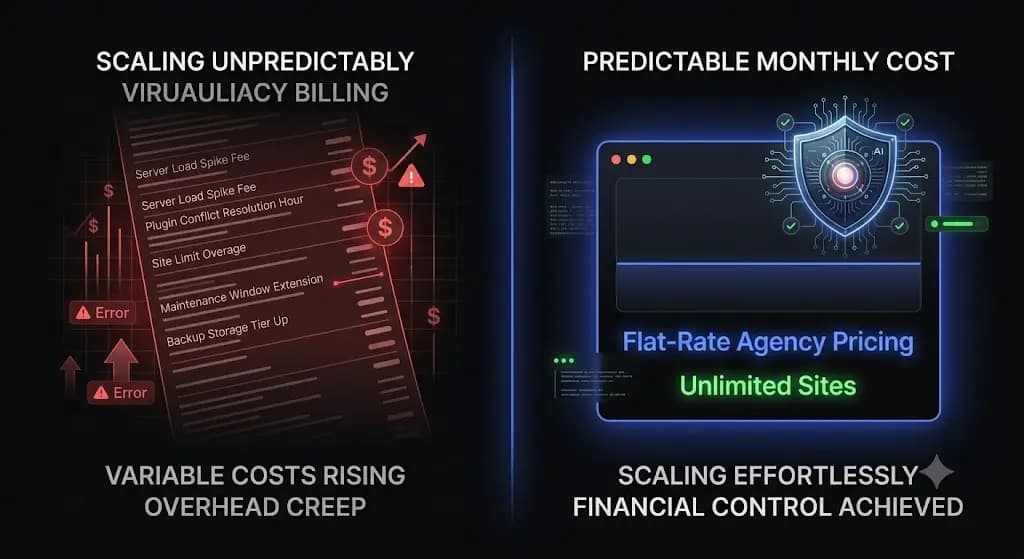
You just signed 10 new clients to your monthly maintenance packages. You should be celebrating. Instead, you open a spreadsheet to calculate exactly how much your software overhead is about to increase.
If you use a legacy platform to manage your portfolio, acquiring new business triggers a financial penalty. Every new website requires you to purchase another set of backups, another security scanner, and another white-label reporting license.
For over a decade, ManageWP has relied on an a-la-carte pricing model. They offer a free core dashboard to get you into the ecosystem, but they charge for every individual feature you actually need to run a professional agency. When you manage five websites, this model seems harmless. When you manage 50 or 100 complex WordPress installations, this pricing structure actively destroys your profit margins.
Furthermore, you are paying a premium for a tool that still requires you to perform manual Quality Assurance testing.
This guide deconstructs the true ManageWP cost, breaks down the math of scaling an agency on a modular pricing model, and explains why top-tier web agencies are migrating to flat-rate AI automation to protect their recurring revenue.
Quick Answer: How does ManageWP pricing work?
ManageWP pricing operates on a freemium, per-site model. The core dashboard is free, but premium add-ons like automated daily backups, safe updates, uptime monitoring, and white-label reporting cost between $1 and $2 per site, per month. For a fully managed website, the cost averages $6 to $9 monthly. As your agency scales, these modular fees increase linearly, creating massive software overhead compared to modern flat-rate platforms.
Part 1: The Allure of the Free Tier
To understand the financial trap of modular pricing, you must understand how the GoDaddy Pro ecosystem acquires its users.
What You Actually Get for Free
ManageWP advertises a completely free tier. You can connect an unlimited number of client websites to your dashboard without entering a credit card.
The free tier includes:
- 1-click plugin and core updates.
- Monthly cloud backups.
- Basic performance scans.
- Basic security checks.
If you are a solo freelancer managing three personal blogs, this free tier is highly attractive. It solves the immediate problem of logging into multiple admin panels.
Why Free is Unusable for Professional Agencies
The free tier is deliberately designed to be inadequate for professional client retainers.
If you run a WooCommerce store or a high-traffic lead generation site, a monthly backup is functionally useless. If the site crashes on the 28th of the month, restoring a backup from three weeks ago means wiping out hundreds of customer orders and recent blog posts. You absolutely require daily or hourly backups.
Similarly, the free basic security check only references your domain against public blacklists. It will only alert you after the site has been hacked and flagged by Google. To proactively protect your clients, you need deep malware scanning and automated vulnerability patching.
To run a secure, professional operation, you are forced to upgrade to the premium modules.
Part 2: Deconstructing the ManageWP Premium Add-ons
Once you transition from the free tier to a professional workflow, the ManageWP pricing model becomes a complex matrix of micro-transactions. Here is exactly what you are paying for per site.
The Cost of Basic Protection
- Automated Daily Backups: $2.00 per site, per month.
- Uptime Monitoring: $1.00 per site, per month.
- Premium Security Scanning: $1.00 per site, per month.
Just to establish a baseline of security and disaster recovery, you are paying $4.00 per client every single month.
The Cost of the “Safe Updates” Illusion
According to WPScan vulnerability database reports, over 90% of WordPress security exploits originate from outdated third-party plugins. You must update them constantly.
ManageWP charges $2.00 per site, per month for a feature called Safe Updates.
The critical flaw in this pricing is what you are actually buying. The ManageWP Safe Update feature creates a restore point, updates the plugin, and then pings the server. If the server returns an HTTP 200 OK status code, the dashboard tells you the update was successful.
An HTTP 200 status code only means the server is online. It does not verify if your CSS layout broke. It does not verify if a JavaScript conflict hid the client’s checkout button. You are paying $2.00 a month for a tool that pushes blind updates and forces your team to manually verify the frontend of the website anyway.
The Cost of Client Retention
If you want clients to continue paying their invoices, you must prove the value of your invisible labor.
- White-Label Client Reports: $1.00 per site, per month.
- SEO Ranking Tracker: $1.00 per site, per month.
To generate a fully functional, secure, and reportable maintenance workflow using ManageWP, your baseline software cost is approximately $6.00 to $8.00 per site, per month.
Part 3: The Agency Scaling Penalty (Running the Math)
The fundamental flaw in a-la-carte pricing is that it penalizes your business for growing. Let us run the exact math on how this impacts your Monthly Recurring Revenue (MRR).
The 25-Site Agency Portfolio
You have built a solid foundation. You manage 25 client sites on a basic maintenance retainer.
At an average cost of $7.00 per site for the necessary premium add-ons, your monthly software bill is $175.00. Over a year, you are paying GoDaddy over $2,100 just to maintain your dashboard functionality.
The 100-Site Agency Portfolio
Your agency is thriving. You now manage 100 active WordPress installations.
ManageWP does offer bundle pricing when you hit high volumes. For example, the Backup bundle caps at $75 for 100 sites. The Safe Updates bundle caps at $75. The White-Label bundle caps at $75.
If you purchase the necessary bundles to properly manage 100 sites, your monthly bill is roughly $225.00 to $300.00.
Every time you acquire a new client, your operational overhead increases. You are trapped in a cycle where your software costs scale linearly with your revenue, constantly eating into your gross margins. This is exactly why growing agencies actively search for a flat-rate ManageWP alternative that protects their profitability.
Part 4: The Hidden Cost of Manual Quality Assurance
The itemized receipt from GoDaddy is only half of your operational expense. The true cost of legacy tools is the unbillable human labor they require you to perform.
Because the ManageWP Safe Updates feature relies on basic HTTP server pings, it cannot visually verify if a plugin update destroyed a website layout. To safely manage multiple WordPress sites using legacy tools, your senior developers must compensate for the software’s blindness.
Your team must clone sites to staging environments, trigger the updates, and spend hours manually clicking through navigation menus and checkout forms to guarantee the code did not break the frontend.
If your lead developer spends 15 hours a month manually QA testing plugin updates across your portfolio, you are burning thousands of dollars in unbillable time. You cannot build a highly profitable WordPress maintenance retainer if your workflow requires intense human intervention every Friday afternoon.
Automating the execution of an update without automating the visual verification is just deploying risk faster.
Part 5: SiteOps vs ManageWP Pricing (The Flat-Rate Advantage)
Agencies are migrating away from legacy tools because the WordPress ecosystem requires autonomous operations, and agency economics require predictable overhead.
SiteOps fundamentally discards the a-la-carte pricing trap. The pricing model is engineered specifically to help agencies scale their MRR infinitely.
Predictable Tiers, Zero Per-Site Penalties
SiteOps does not charge you extra for backups, extra for security, or extra for reports. Every plan includes the complete, enterprise-grade autonomous feature suite.
- Starter: Free forever for 1 site (perfect for testing the workflow).
- Pro Plan: ₹2,499/month (approx. $30) for up to 10 sites.
- Agency Plan: ₹5,999/month (approx. $72) for unlimited sites.
If you manage 50 sites, your cost on SiteOps is ₹5,999. If you scale to 250 client sites, your cost remains exactly ₹5,999.
Every time you close a deal and sign a new maintenance client, you retain 100% of the profit margin on that new retainer. Your software overhead is permanently capped. A deeper dive into MainWP vs ManageWP vs SiteOps reveals that flat-rate cloud operations offer the highest long-term ROI for web agencies.
Part 6: Comparing the Value (What Are You Paying For?)
Beyond the math, you must evaluate the actual technology you are purchasing. When you pay for ManageWP, you are buying a 2016-era remote control. When you pay for SiteOps, you are hiring an autonomous AI developer.
| Core Capability | ManageWP Premium Add-ons | SiteOps Agency Plan | Impact on Profit Margins |
|---|---|---|---|
| Pricing Structure | A-La-Carte (Scales up with growth) | Flat Rate (Unlimited Sites) | Retains 100% margin on new clients |
| Update Verification | Flawed HTTP 200 Server Ping | Pixel-Perfect Visual Regression | Eliminates manual QA staging hours |
| Broken Code Handling | Sends an email alert | Instant Autonomous Auto-Rollback | Protects client revenue automatically |
| Security Architecture | Basic Blacklist Verification | 4-Level Deep Scan (incl. CVE tracking) | Prevents hacks before they occur |
| Uptime Monitoring | Native 1-minute checks | Native 5-minute checks + 1-Click Access | Speeds up emergency triage |
| Client Reporting | Static PDF Lists | AI-Generated Executive Summaries | Increases client retention rates |
Part 7: Escaping the A-La-Carte Trap with SiteOps
To maximize agency profitability in 2026, you must transition from selling manual labor to selling automated risk mitigation.
SiteOps acts as your autonomous WebOps team. It completely solves the blind update problem that plagues legacy tools.
When you trigger a plugin update, SiteOps does not rely on a simple server ping. It spins up a headless Chromium browser instance. It visits your live production site and takes a high-resolution snapshot of the DOM. It applies the update, clears the server cache, and takes a second snapshot.
Artificial intelligence overlays the images. It can easily differentiate between expected dynamic content and a fatal layout break. If the layout shatters, SiteOps instantly triggers an autonomous auto-rollback. It restores the MySQL database and file system to their exact stable pre-update state in seconds.
You no longer have to spend hours testing staging environments. You no longer have to worry about the hidden cost of broken WordPress updates ruining your weekend.
By combining AI visual regression testing, deep CVE vulnerability cross-referencing, and intelligent white-label reporting into a single flat-rate package, SiteOps allows you to grow your portfolio without limits.
Part 8: Frequently Asked Questions
How does ManageWP pricing actually work? ManageWP uses a freemium model. The basic dashboard is free, but you must pay a monthly fee per site for premium add-ons like automated daily backups, safe updates, advanced security, and white-label reporting.
How much does a fully featured ManageWP setup cost? If you purchase the necessary premium add-ons to run a professional maintenance retainer, ManageWP costs between $6.00 and $9.00 per site, per month. For an agency with 50 sites, this scales to hundreds of dollars monthly.
What is a better alternative to ManageWP’s pricing model? For agencies looking to protect their profit margins, flat-rate pricing is vastly superior. Platforms like SiteOps offer an Agency plan that supports unlimited websites for a single, predictable monthly fee, allowing you to scale without software penalties.
Is ManageWP’s Safe Updates feature worth the cost? For modern, complex websites, the Safe Updates feature is highly risky. It relies on basic HTTP status checks to verify the update. It cannot visually confirm if a CSS layout broke or if a checkout button disappeared.
Can I automate WordPress updates without breaking sites? Yes, but you must use a tool that includes visual regression testing. Automated tools like SiteOps take before-and-after screenshots to visually verify the frontend layout. If an error is detected, the system instantly auto-rollbacks the update.
What is the best alternative to ManageWP? SiteOps is the premier choice for growing agencies. It replaces ManageWP’s manual testing requirements and a-la-carte fees with AI visual regression testing, automated rollbacks, and a flat-rate unlimited pricing tier.
Does GoDaddy own ManageWP? Yes. GoDaddy acquired ManageWP in 2016. While it remains a standalone tool usable with any host, many agencies feel that innovation on the platform halted shortly after the acquisition.
How do I safely update WooCommerce plugins? WooCommerce updates are incredibly fragile. You must either manually test them on a staging environment or use an advanced platform like SiteOps that visually verifies the checkout flow and initiates an auto-rollback if the database schema fails.
Why is an HTTP 200 check not enough for monitoring? An HTTP 200 status code simply means your server is turned on. A website could have a completely shattered layout, a blank white screen from a PHP error, or a missing lead form, and still return a 200 OK status to a legacy monitoring bot.
How do you migrate from ManageWP to a new platform? Migrating is completely frictionless. You simply install the new platform’s worker plugin (like the SiteOps connector) on your client sites, verify the dashboard connection, and then deactivate and delete the old ManageWP plugin.
The Bottom Line
Building a successful web agency requires strict control over your operational overhead.
If you continue to rely on management software that charges you a penalty fee every time you sign a new client, you are artificially capping your own revenue potential. Furthermore, paying premium fees for a tool that still requires your developers to manually verify plugin updates on staging servers is a massive waste of resources.
The modern WordPress ecosystem demands autonomous, AI-driven operations.
Stop accepting blind updates, HTTP 200 fallacies, and the a-la-carte pricing trap. Secure your client sites visually and protect your profit margins permanently.
SiteOps automates the entire workflow. Test the visual regression engine today, free for 1 site, no credit card required.
Related Posts
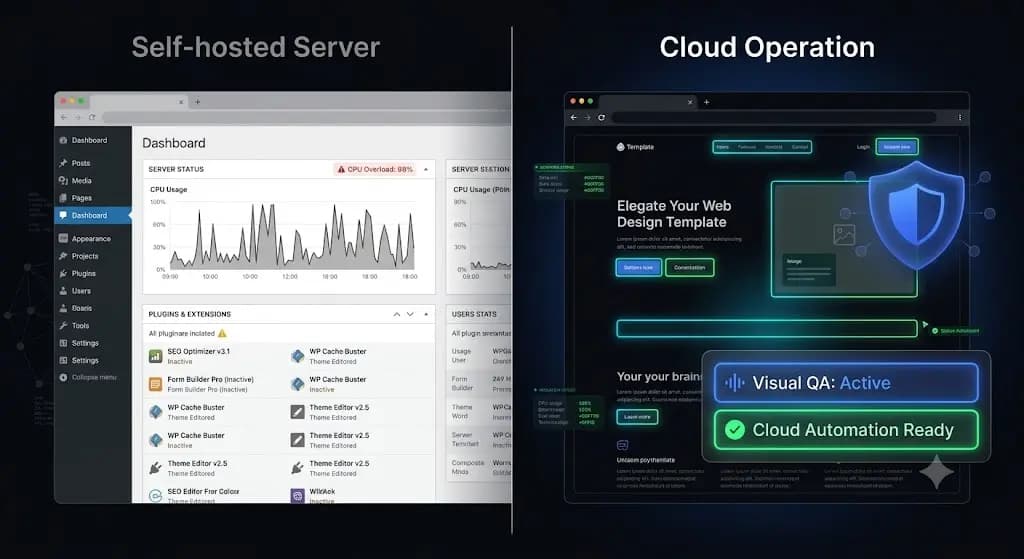
The Best InfiniteWP Alternative in 2026: Escaping the Self-Hosted Burden
You log into your self-hosted control panel to execute your weekly maintenance routine for 60 client websites. You select all sites, click update, and wait. Suddenly, your command center dashboard freezes. The server hosting your management tool has hit its PHP memory limit and crashed under the weight of executing simultaneous bulk updates. You now […]
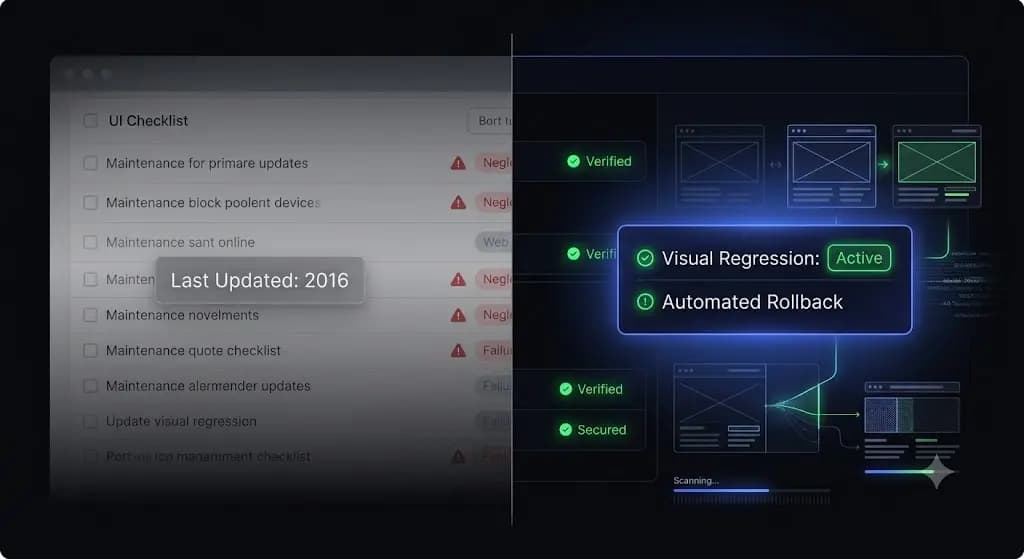
The Best ManageWP Alternative in 2026: Escaping the GoDaddy Ecosystem
It happens on a Friday afternoon. You log into your ManageWP dashboard to execute your weekly routine. You select 45 client sites, hit “Update All,” and wait. Two hours later, a frantic email arrives from your highest-paying e-commerce client: the WooCommerce checkout button has disappeared. You stare at the screen and realize something deeply frustrating: […]